
Choosing the wrong customer service platform slows your team down and frustrates your customers. Not to mention it creates blind spots in your data and costs more to fix later.
The market doesn't make the decision easy. There are dozens of tools out there, each claiming to be the best, and the feature lists start to blur together fast.
So we did the work for you. We compared 10 of the best customer service platforms in 2026 across ease of use, automation, integrations, scalability, and pricing.
- Intercom
- HubSpot Service Hub
- Zendesk
- Freshdesk
- LiveChat
- Help Scout
- Zoho Desk
- Chatbase
- LiveAgent
- Salesforce Service Cloud
If you’ve ever wondered:
- Which chat platform is best for customer service in 2026?
- How do tools like Intercom, Zendesk, and HubSpot compare?
- What features actually make a difference for support teams?
You’re in the right place.
CRM vs. customer service software: What's the difference?
Before comparing tools, it's worth clearing up a common point of confusion. CRM software (Customer Relationship Management) and customer service platforms are often mentioned in some tools, like HubSpot and Salesforce.
But they serve different purposes, and choosing the wrong one for the wrong job creates gaps your team will feel every day.
Here's a brief CRM and CSM comparison.
| CRM | Customer Service Platform | |
|---|---|---|
| Primary purpose | Manage relationships, deals, and pipelines | Handle support requests and customer conversations |
| Main users | Sales and marketing teams | Support and customer service agents |
| Core data | Contacts, deals, activity history | Tickets, conversations, response times |
| Key features | Pipeline tracking, lead scoring, email sequences | Shared inbox, ticketing, live chat, SLAs |
| AI focus | Lead prediction, deal insights, sales automation | Chatbots, routing, reply suggestions, resolution tracking |
| Reporting | Revenue metrics, conversion rates, pipeline health | CSAT, response time, resolution rates, ticket volume |
| Examples | Salesforce CRM, HubSpot CRM, Zoho CRM | Intercom, Zendesk, Freshdesk, Help Scout |
The overlap happens because great customer support requires context, and context often lives in the CRM.
That's why the best customer support tools today either include native CRM features or integrate tightly with dedicated CRM platforms.
What makes a great customer service platform?
Here are the key factors we used to compare every tool in this guide.
Ease of use and onboarding
The best customer service tools are quick to set up and easy for agents to learn.
Look for:
- Clean, intuitive dashboards
- Clear workflows with minimal configuration
- Helpful onboarding resources so teams can start fast
Automation and AI
Modern customer support software uses AI to do more than just respond faster.
Strong automation should:
- Handle repetitive questions with chatbots
- Route and assign conversations automatically
- Suggest replies or help articles to speed up agents
Integrations
A customer service platform that doesn't connect to your CRM, email, or messaging tools creates silos. The right tool should:
- Pull customer history and context into one view
- Sync with tools your team already uses (CRM, Gmail, Slack, WhatsApp)
- Reduce tab-switching and manual lookups for agents
Scalability and pricing
Your support tool should grow with your business. Key things to check:
- Flexible pricing tiers that don't spike as you add users
- Features that adapt to higher ticket volumes
- No critical functionality locked behind expensive enterprise plans
Reporting and analytics
You can't improve what you don't measure. Good reporting helps you track:
- Response and resolution times
- Customer satisfaction (CSAT) scores
- Where customers struggle most, so you can fix it
Want help finding the best customer service platform for your needs?
Now that we’ve covered what makes a great customer chat platform, let’s look at how the top customer service tools stack up.
1. Intercom
Intercom is an AI-powered customer service platform that helps growing support teams manage high volumes of conversations through automation, live chat, and a shared inbox.
Intercom stands out from other customer service platforms for its focus on conversational support. It combines a powerful AI layer with real-time messaging, making it one of the most capable tools for teams that need to scale without sacrificing a personal touch.
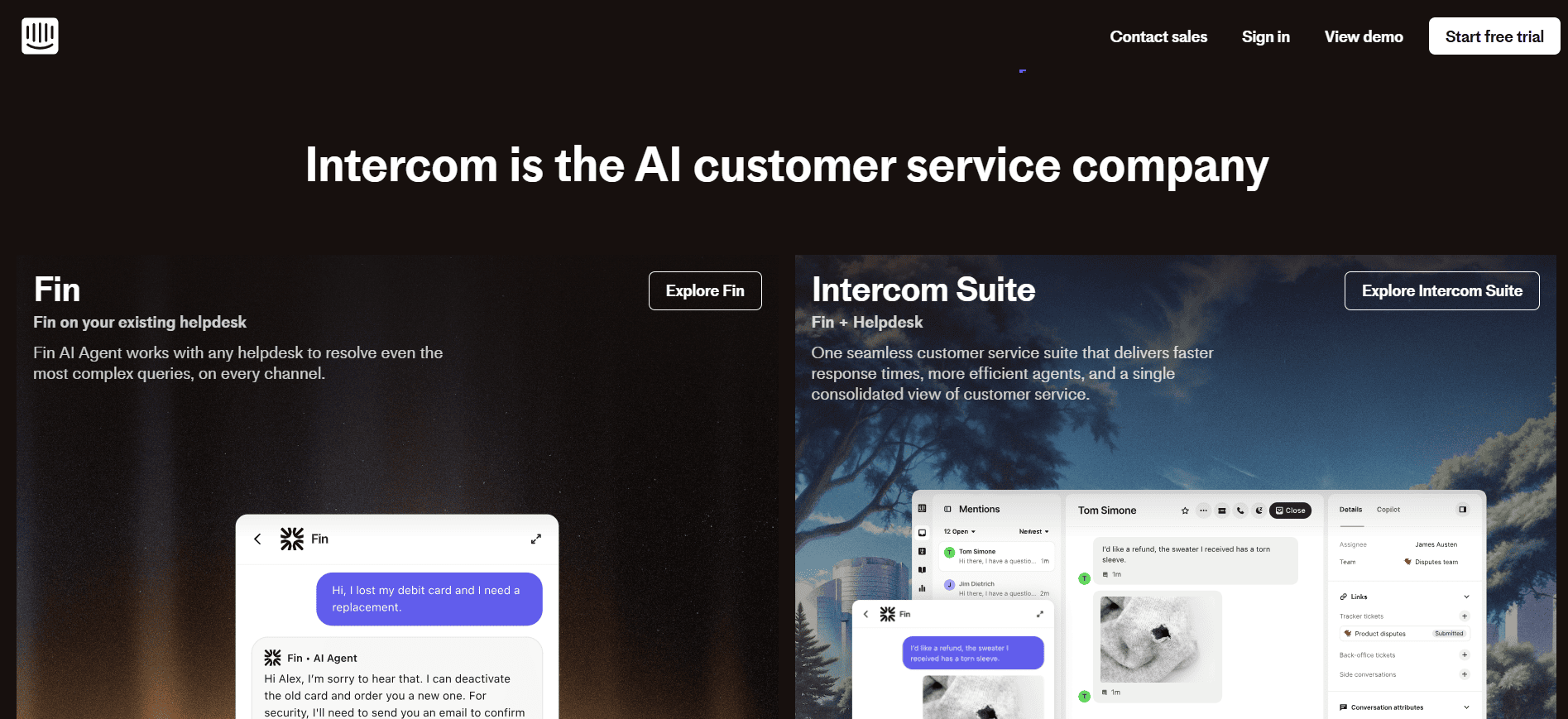
Here’s an overview of the key Intercom features:
- Shared inbox that connects website chat, email, and social media channels so agents never miss a conversation
- Fin AI agent that handles customer questions end-to-end, without involving a human agent
- Reporting dashboards that track resolution time, CSAT, and AI vs. human performance
- Integrations through the Intercom App Store and connector tools to extend it capabilities
Best for: Growing businesses and support teams managing high conversation volumes who want to scale with AI while keeping support feeling human.
Limitations: Setup can be complex, and Intercom's pricing model is difficult to predict as usage grows, especially when AI resolution fees are factored in.
2. HubSpot Service Hub
HubSpot Service Hub is an AI-powered, omnichannel customer support platform built on top of HubSpot's CRM, designed for teams that want support, sales, and marketing data in one place.
If you’re already using HubSpot for marketing or sales, Service Hub will feel like the natural extension of your tech stack.
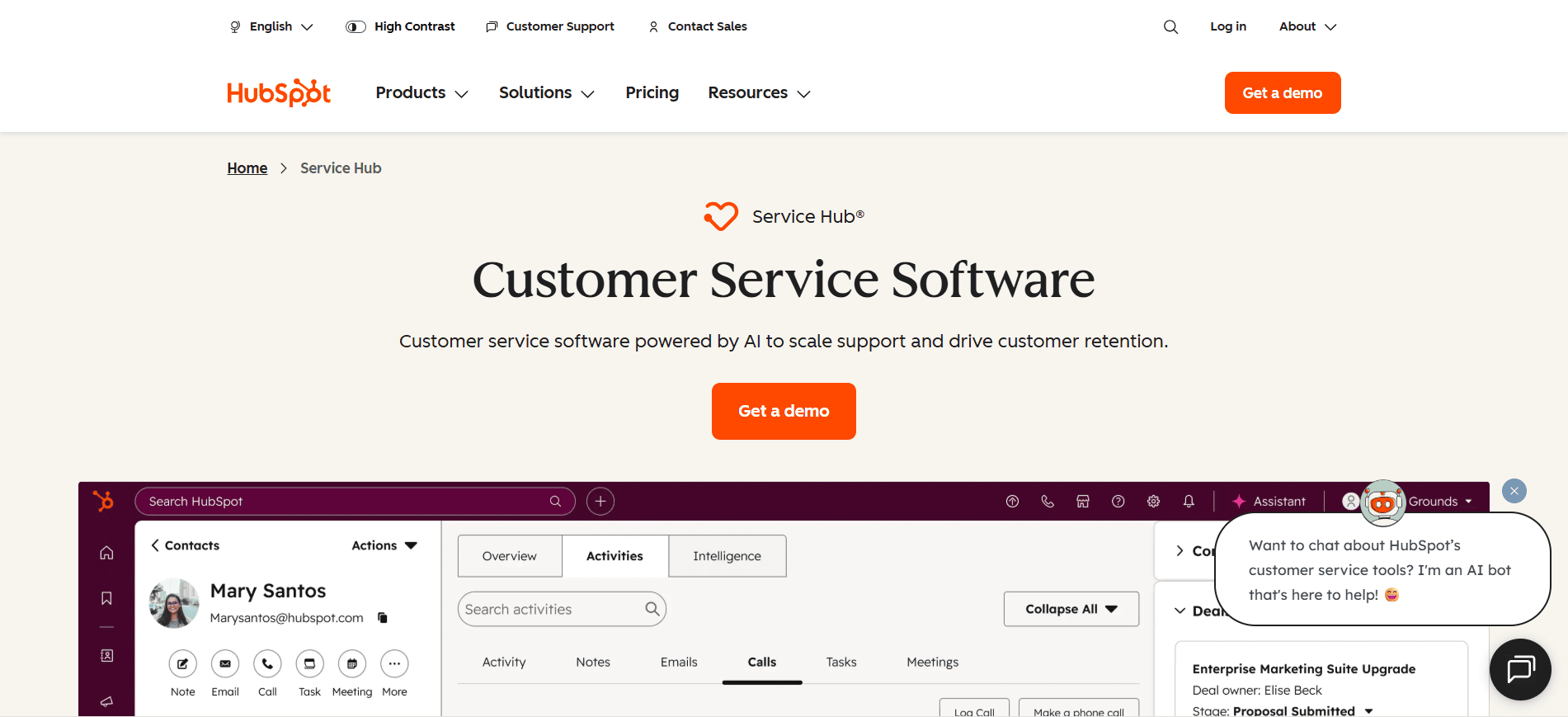
The Service Hub has a few key features for support teams, including:
- Shared inbox that consolidates conversations from chat, email, and web forms
- Automatic ticket assignment based on priority, topic, or SLA rules
- Breeze AI agent for automated, personalized customer interactions
- Native CRM integration that gives agents full customer context
Best for: Teams already using HubSpot for sales or marketing who want their support, sales, and customer data fully connected without managing a separate platform.
Limitations: Chat customization is limited compared to platforms like Intercom. AI automation features are still maturing, and costs can add up quickly if you're not already on a HubSpot plan.
3. Zendesk
Zendesk is an enterprise-grade customer support platform. It's built for large teams that need structure, compliance, and detailed performance tracking.
It stands out from competitors because of its robust ticketing system and AI-powered voice and admin assistants. Zendesk brings every support channel, email, voice, chat, and social media, into one shared workspace.
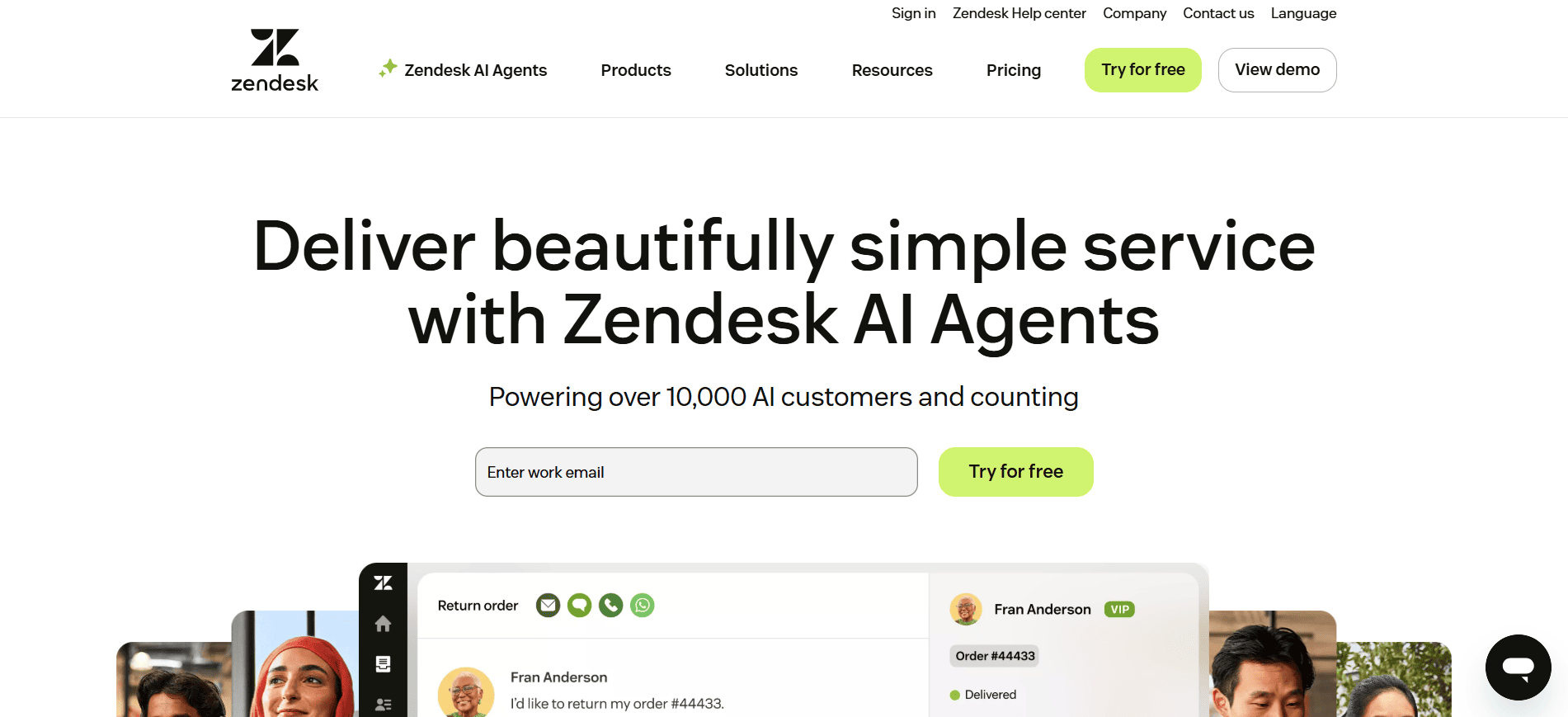
Here’s a quick look at Zendesk top support features.
- Omnichannel ticketing to manage conversations from every channel in one workspace.
- AI voice and admin assistants for resolving simple issues and handling natural speech
- Automated workflows for routing tickets
- Customizable analytics dashboards for monitoring team performance
Best for: Large organizations and enterprise teams that need structured workflows, detailed reporting, and a proven customer service management platform built for high ticket volumes.
Limitations: Zendesk feels less conversational than newer platforms and can be expensive for smaller teams. Complex workflows and automations also require ongoing administrative effort to maintain.
4. Freshdesk
Freshdesk is an AI-powered help desk tool for fast and affordable customer support. It brings all conversations from email, phone, chat, WhatsApp Business, and social media into one place.
Freshdesk is one of the most popular omnichannel customer service platforms for small to mid-sized businesses. It delivers a strong feature set without the enterprise price tag, and its Freddy AI agent handles a wide range of routine tasks automatically.
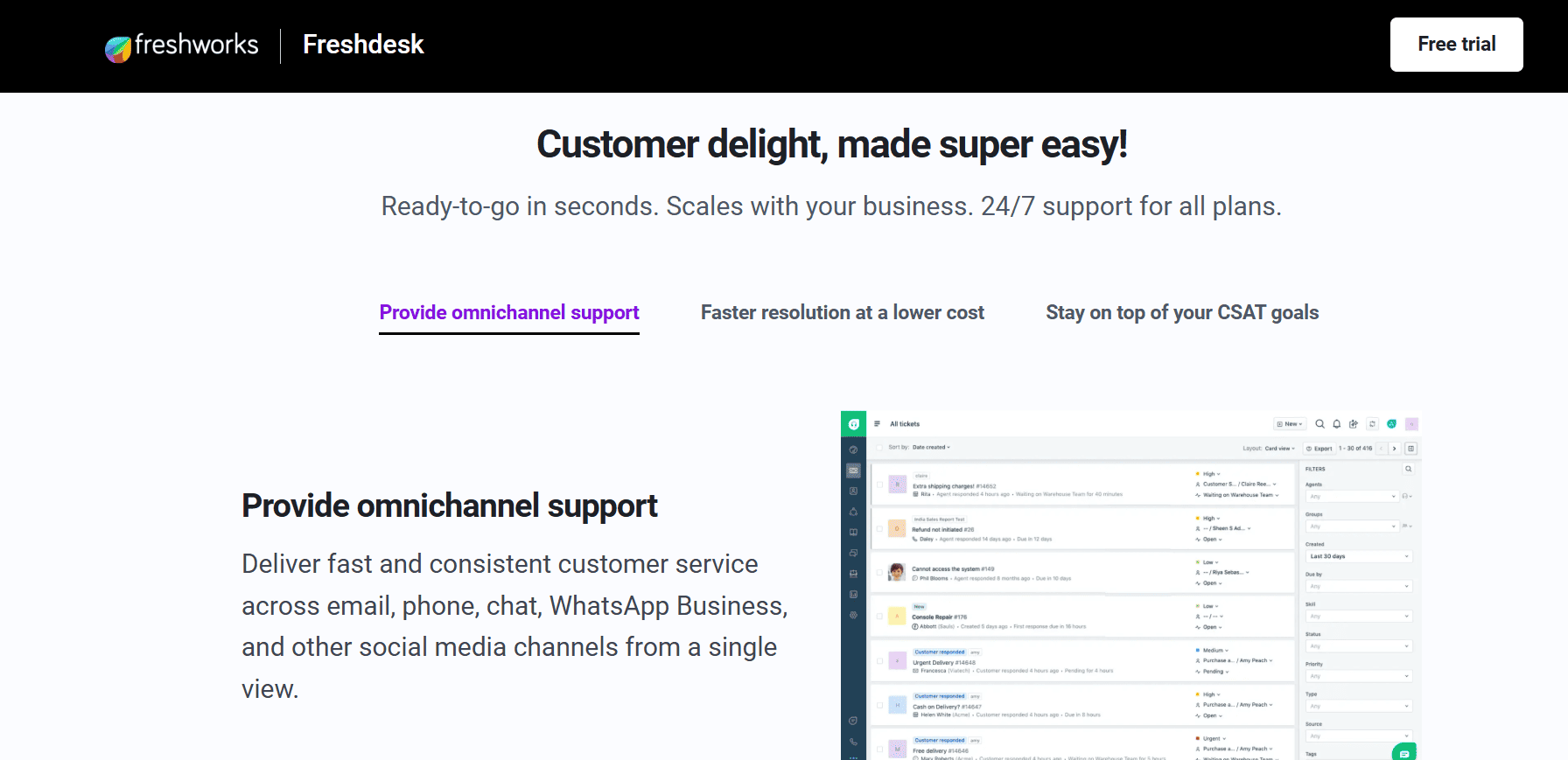
Freshdesk's customer support features include:
- Omnichannel support for managing customer interactions from every channel in a single view.
- Freddy AI agent to automate common tasks and resolve simple issues end-to-end.
- Automations for ticket assignment, follow-ups, and repetitive actions.
- Customizable analytics dashboards to monitor performance
Best for: Small to mid-sized businesses looking for an affordable customer service platform with solid AI capabilities that doesn't require enterprise-level resources to manage.
Limitations: The interface feels dated compared to newer platforms, and integrations can be limited for teams using custom or niche software.
5. LiveChat
LiveChat is a real-time customer communication platform built for sales, lead generation, and light customer support. It’s quick to set up, easy for teams to use, and helps businesses engage website visitors instantly to boost conversions.
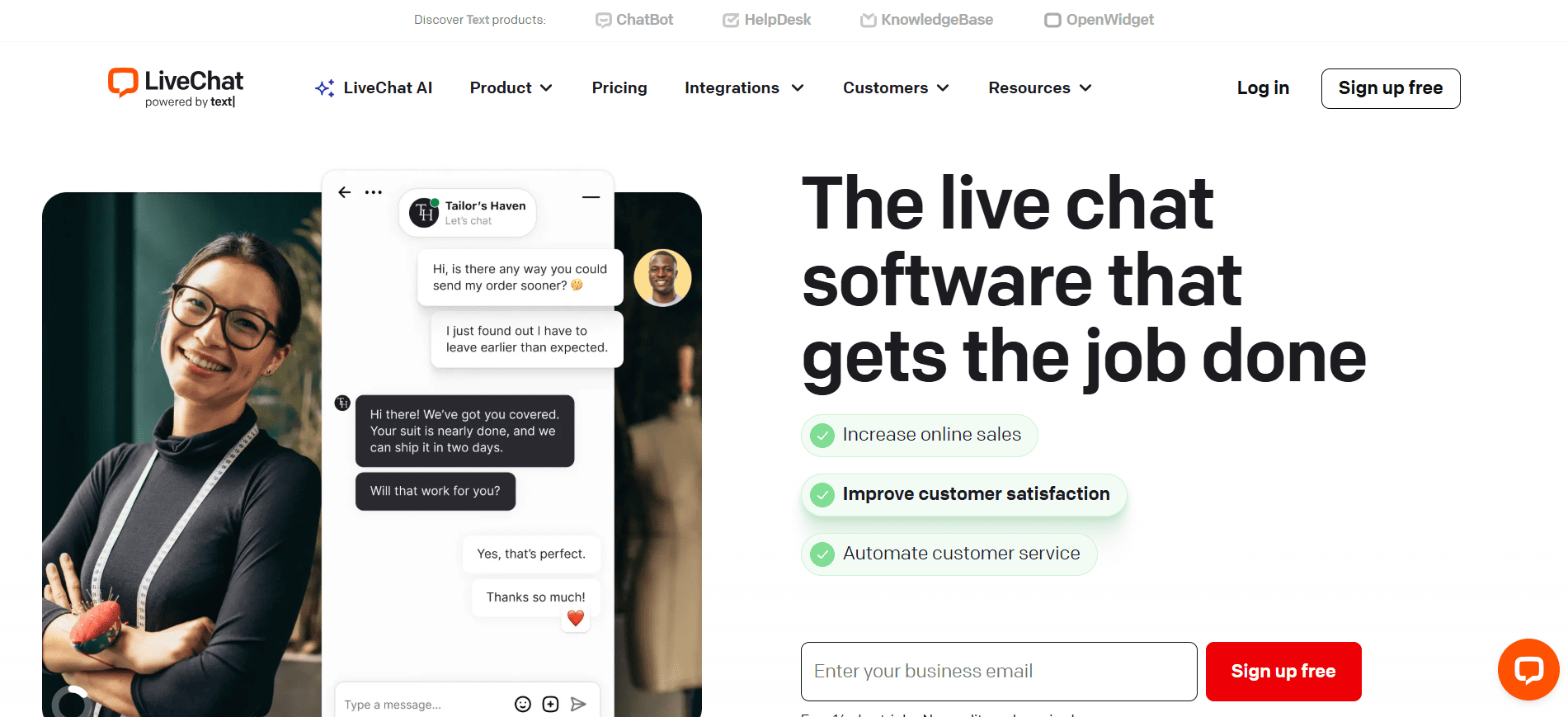
The platform combines live chat, automation, and analytics in a simple interface.
LiveChat's key customer service features include:
- Live chat and AI chatbots that reply automatically to FAQs and manage routine interactions.
- Copilot AI assistant that assists agents inside the chat interface.
- Integrations with more than 200 apps like Mailchimp, Slack, WhatsApp, and Twilio.
Best for: Startups and marketing-focused teams that want a fast, simple customer service tool to engage website visitors and drive conversions rather than manage complex support operations.
Limitations: LiveChat is less comprehensive for dedicated support teams. CRM depth, ticketing workflows, and AI sophistication are all limited compared to platforms like Intercom or Zendesk.
6. Help Scout
Help Scout is a customer service platform built for teams that want to deliver personal, human-centered support without the complexity of a traditional help desk.
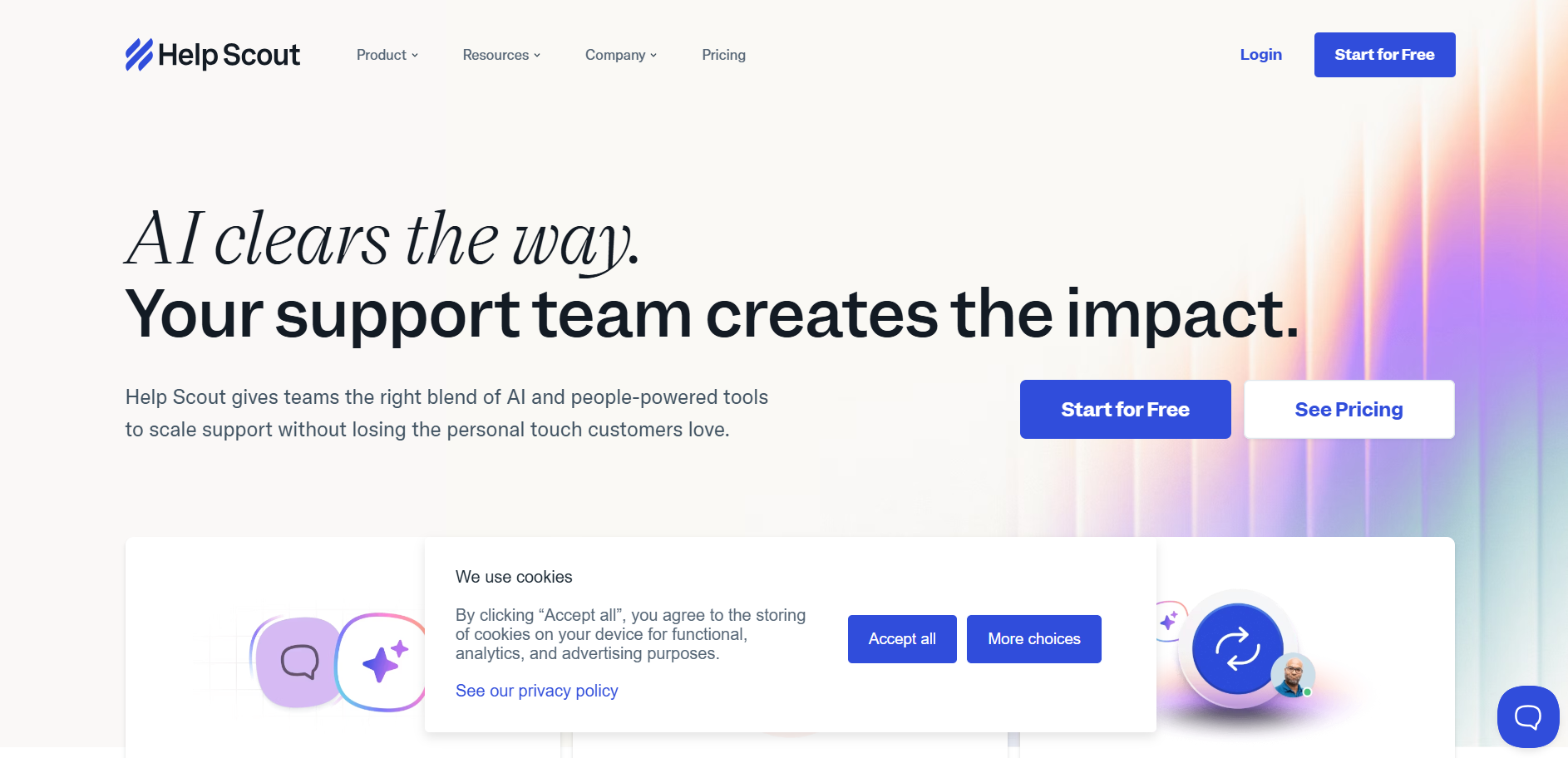
Help Scout's top support features:
- Shared inbox for managing email, live chat, and social messages
- Beacon widget that combines live chat, email support, and knowledge base access
- AI Answers that handles routine customer questions
Best for: Small to mid-sized businesses and teams that prioritize email-heavy support and want a clean, easy-to-adopt customer support tool that doesn't require weeks of setup.
Limitations: Help Scout's channel coverage is narrower than most omnichannel customer service platforms. Advanced reporting and custom workflows are locked behind higher-tier plans.
7. Zoho Desk
Zoho Desk is a feature-rich customer service management platform known for deep customization and tight integration with the broader Zoho ecosystem.
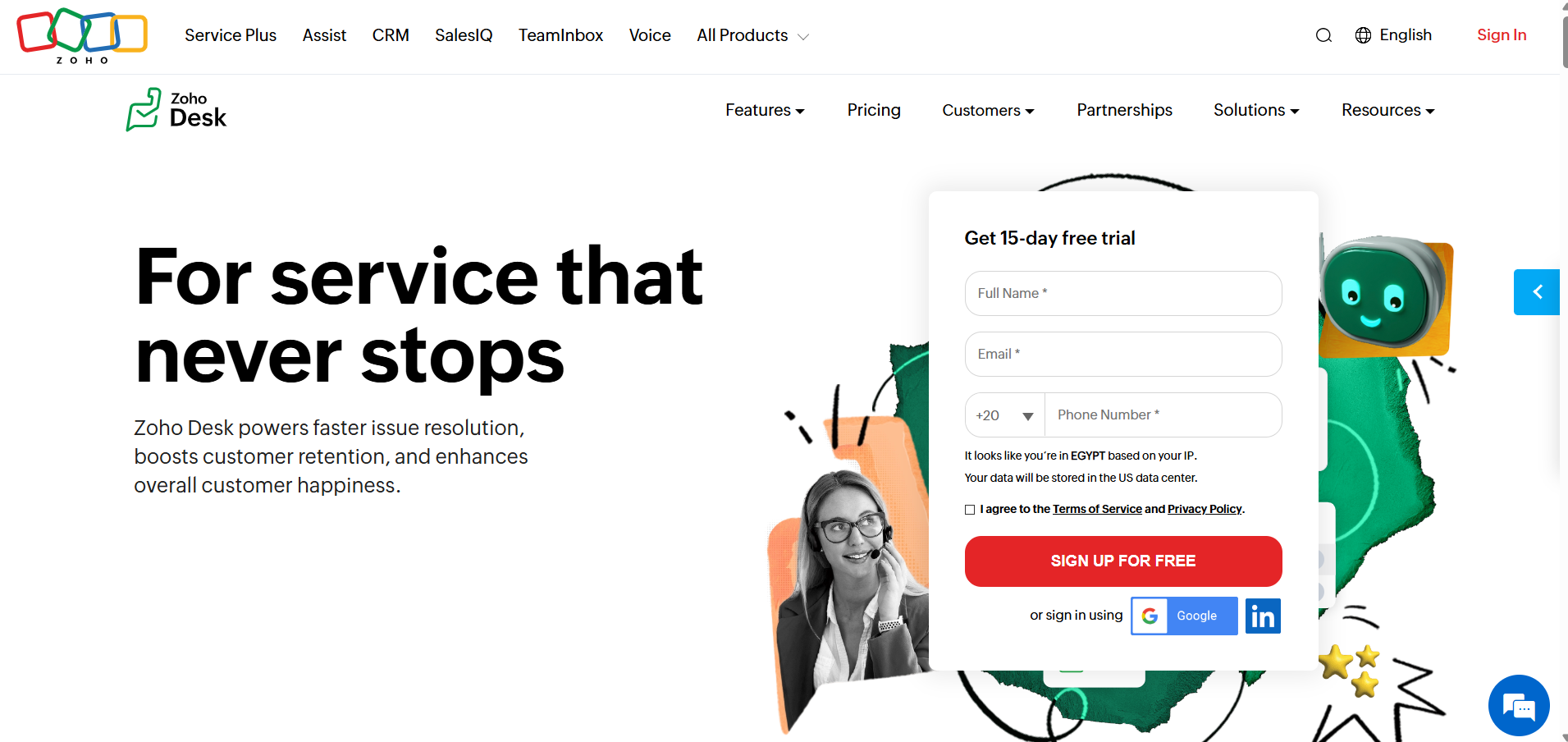
Zoho Desk is a strong choice for teams already using Zoho CRM or Zoho Analytics who want their support data connected across their entire operations.
Zoho Desk features for customer support teams:
- Omnichannel customer support across email, chat, phone, and WhatsApp
- Zia AI assistant that performs sentiment analysis, auto-tags tickets, and suggests responses
- Blueprint workflow builder for creating multi-step support processes
Best for: Mid-sized to large businesses that need a highly customizable customer support tool and are already invested in the Zoho ecosystem.
Limitations: Zoho Desk has a steeper learning curve than most competitors and the interface can feel cluttered.
8. Chatbase
Chatbase is a no-code AI chatbot builder that lets businesses create custom support bots trained on their own content without writing a single line of code.
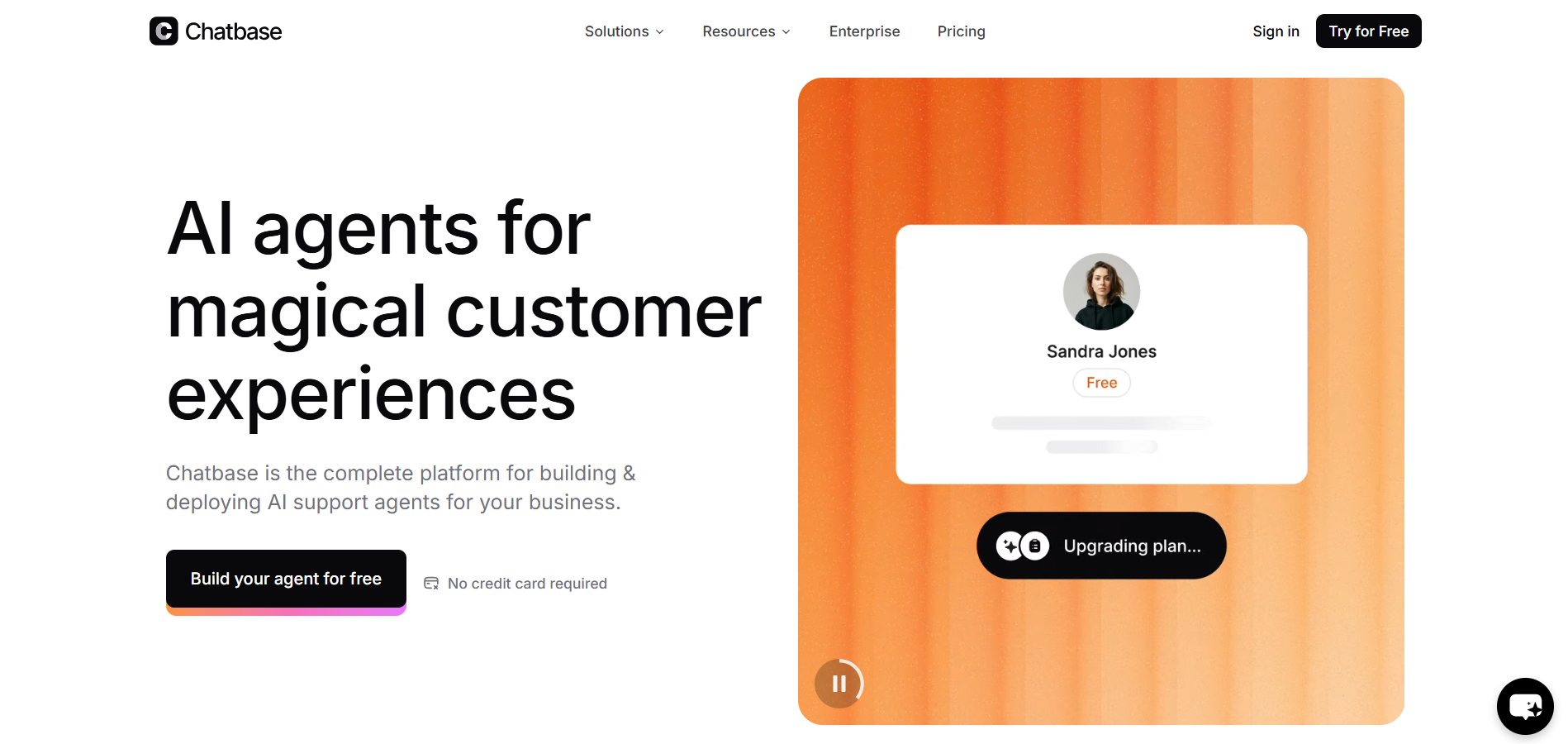
Chatbase is not a full customer service platform. But for teams that want to reduce repetitive ticket volume with a fast-to-deploy AI agent, it's one of the quickest ways to get started with AI-powered customer support.
Key Chatbase features:
- No-code chatbot builder trained on your own PDFs, URLs, FAQs, and documents for instant deployment
- Multi-channel support so your chatbot can be deployed on your website, WhatsApp, Messenger, Instagram, and Slack
Best for: Small businesses, startups, and marketing teams that want a quick-to-launch AI chatbot for their website to handle FAQs and reduce inbound ticket volume
Limitations: Chatbase doesn't support internal workflows like ticket routing, agent collaboration, or SLA tracking.
9. LiveAgent
LiveAgent is an all-in-one omnichannel customer support tool that brings email, live chat, phone, and social media into a single unified ticketing system.
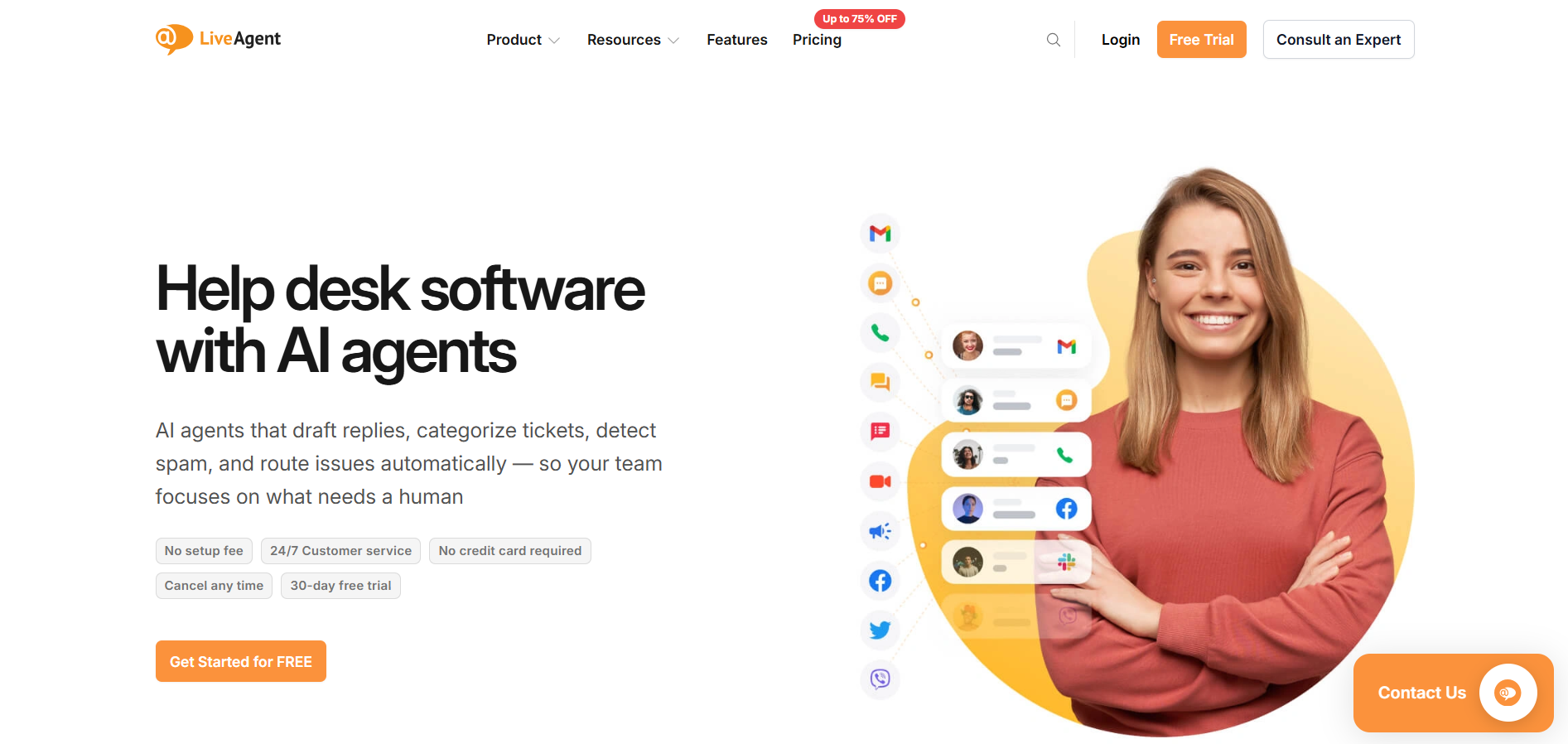
What sets LiveAgent apart from most tools in this category is its built-in call center, which most help desks either charge extra for or don't offer at all.
Top LiveAgent support features:
- Hybrid ticket stream that threads every customer interaction into one connected conversation
- Built-in call center with IVR, call routing, and call recording
- Live chat with proactive invitations
- AI Chatbot and AI Answer Assistant for automating common question
Best for: Small to mid-sized businesses that need a comprehensive, budget-friendly customer service tool with built-in voice support and don't want to pay separately for a call center solution.
Limitations: The setup process can be lengthy, and some users find the interface overwhelming.
10. Salesforce Service Cloud
Salesforce Service Cloud is an enterprise-grade customer service platform built on top of Salesforce CRM.
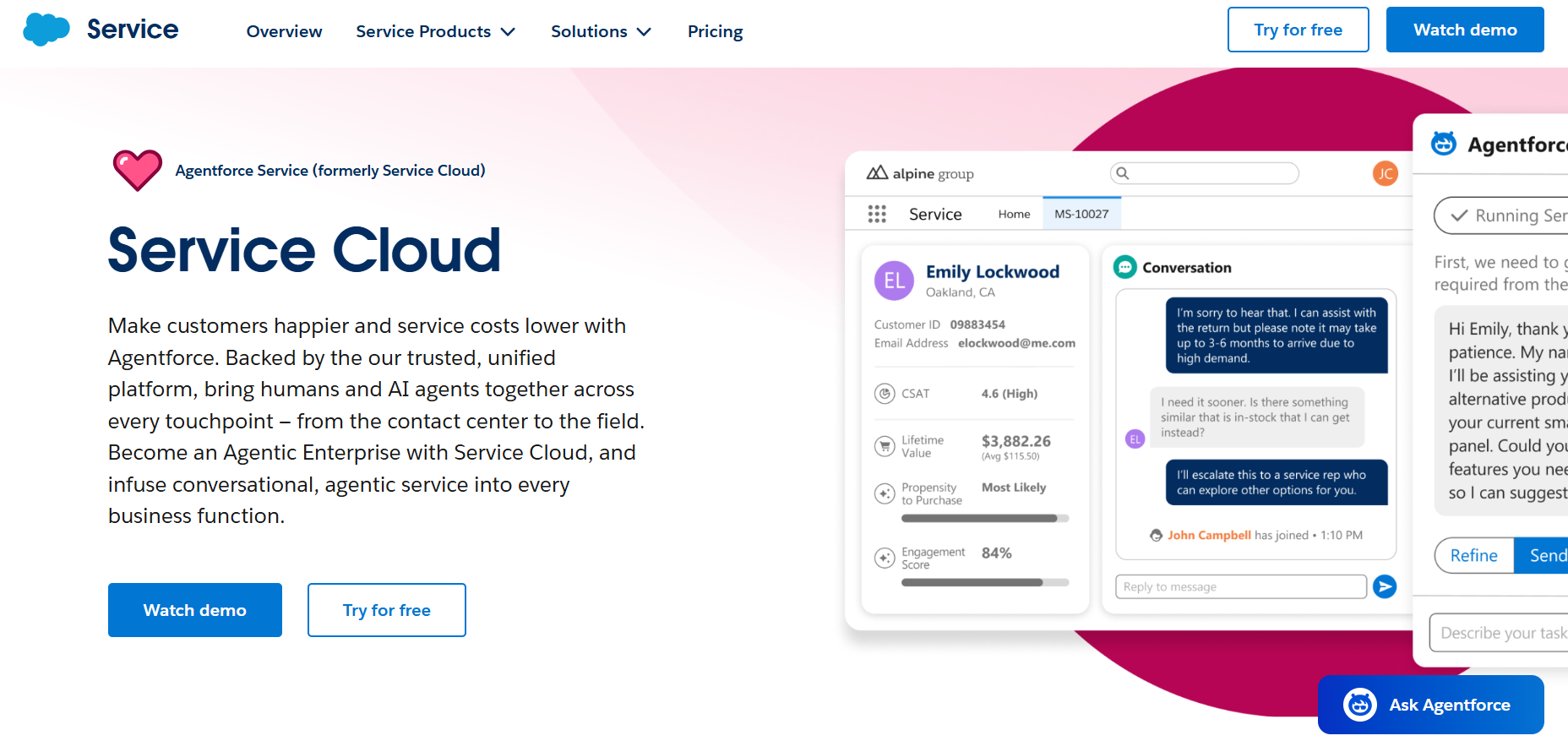
If your business already runs on Salesforce, Service Cloud is the natural home for your support team. It gives agents a complete view of every customer interaction across sales, marketing, and support in one place.
Key features:
- Omnichannel routing across email, chat, phone, social media, and messaging apps
- Einstein AI for automatic case classification and customer-facing chatbots
- Agentforce for autonomous AI agents that can handle multi-step support interactions
- Deep Salesforce CRM integration
Best for: Large enterprises already invested in the Salesforce ecosystem that need a powerful, deeply customizable customer service management platform with unified CRM and support data.
Limitations: Service Cloud is expensive and demanding to implement — a full setup often requires a certified Salesforce administrator and sometimes an external consultant.
How to choose the right customer service software
The right customer service tool depends on how your team works, where your customers reach you, and how you plan to grow. Use these questions to narrow it down:
- What channels do your customers use? Email, live chat, WhatsApp, social media, or voice. Make sure the platform covers them natively.
- How large is your team, and will it grow? Some tools are priced per agent, which gets expensive fast.
- Do you need AI automation, or just reliable live chat? Not every team needs an autonomous AI agent.
- What tools are you already using? Your customer service platform should connect cleanly to your CRM, inbox, and messaging tools. If native integrations are limited, connector tools like Octopods can bridge the gap.
- What's your budget model? Check whether pricing is per agent, per conversation, or usage-based.
Using Intercom or HubSpot and want to connect your support tool to messaging chanels?
Final thoughts: Which customer service platform is right for you?
The right choice depends on your team size, support channels, and how much automation you actually need.
Here's a quick recap to help you decide:
- Best service tool for AI support: Intercom's Fin AI and Freshdesk's Freddy handle high conversation volumes with minimal human involvement.
- Best customer service platform for small businesses: Help Scout is easy to set up, affordable, and doesn't require a dedicated admin to manage.
- Best for enterprise teams: Zendesk and Salesforce Service Cloud offer the structure, compliance, and customization that large support operations need.
- Best for omnichannel support on a budget: LiveAgent and Zoho Desk offer broad channel coverage at a lower price point than enterprise tools.
Chose Intercom or HubSpot and want to add messaging channels to your support messaging stack?
FAQs
What is the best customer service chat software?
The best customer service chat software in 2026 depends on your business size and goals. Intercom is often considered the top choice for scaling teams that want AI automation, multichannel support, and strong CRM integrations.
Is Intercom better than HubSpot or Zendesk?
It depends on your business goals. Intercom is often considered better for companies that prioritize automation, AI, and integrations. HubSpot Service Hub, on the other hand, is stronger if you want tight CRM integration and visibility across marketing, sales, and service in one place. Zendesk stands out for scalability.
In short:
- Choose Intercom for automation and customer engagement.
- Choose HubSpot for CRM alignment.
- Choose Zendesk for high-volume support and ticketing.
Which customer chat platform offers AI automation?
Intercom, HubSpot Service Hub, Zendesk, and Freshdesk all include AI automation features. Intercom leads with its advanced AI chatbots, while HubSpot Service Hub uses AI for ticket routing and conversation summaries. Zendesk and Freshdesk also offer AI-powered agents that automate responses and routine tasks to speed up support.
Can I connect messaging apps to customer service software?
Yes, most modern customer service platforms let you connect messaging apps like WhatsApp, Facebook Messenger, and Telegram. This allows your team to manage all customer conversations from one inbox. Tools like Octopods make it even easier by integrating these channels directly into platforms such as Intercom or HubSpot.