
Customer support expectations have changed. Customers no longer want to open a ticket, wait for an email reply, or sit on hold. Instead, they reach out through messaging apps they already use every day, especially WhatsApp.
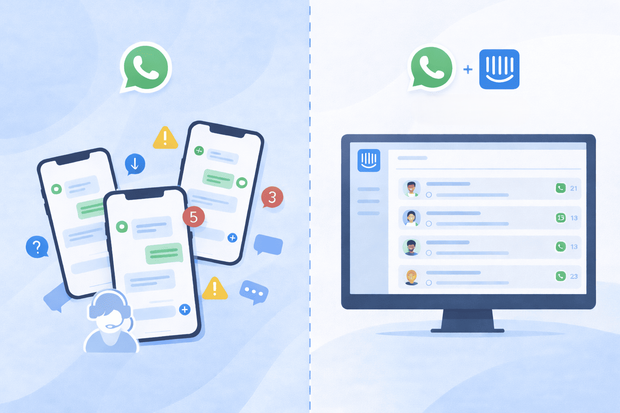
For many companies, WhatsApp has quietly become one of their most active support channels. The challenge is that these conversations often live outside the company's key support tool like Intercom, on agents' private phones or other separate tools. When that happens, support teams lose visibility, context, and consistency.
This article explains how companies use WhatsApp Intercom integration for customer service, the most common WhatsApp support use cases in Intercom, and how businesses can manage these conversations inside Intercom without changing how their support teams already work.
Why is WhatsApp a key support channel
WhatsApp works well for customer support because it matches how customers want to communicate.
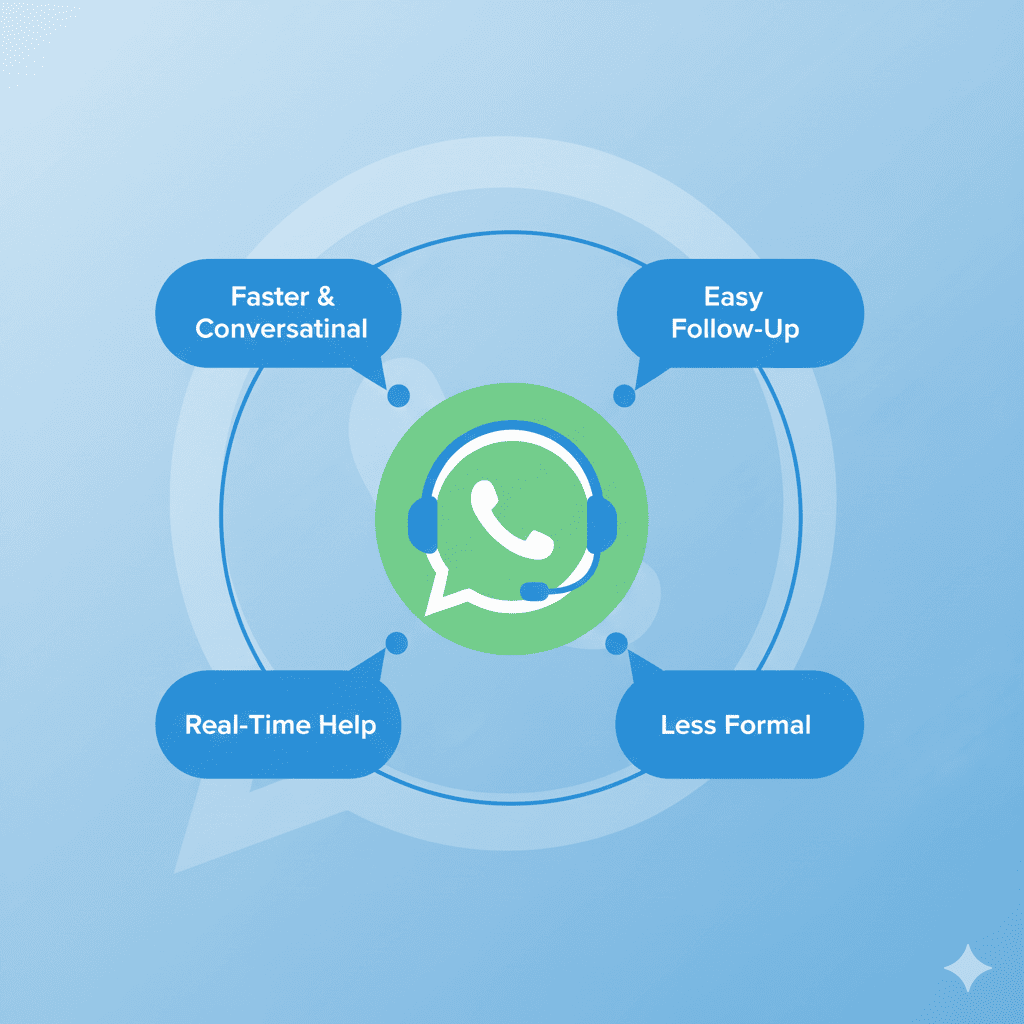
Compared to email or tickets, WhatsApp support conversations are:
- Faster and more conversational
- Easier for customers to follow up on
- Less formal and less frustrating
- Often the first place customers reach out
Customers use WhatsApp to ask questions, report issues, and request help in real time. They expect quick replies and clear answers, not long back-and-forth threads.
This makes WhatsApp especially effective for:
- Inbound support requests
- Ongoing troubleshooting
- Account and billing questions
- Time-sensitive issues
The challenge is not handling customer service on WhatsApp, it is running support in a way that scales and stays organized. This is why more businesses than ever are looking to integrate WhatsApp into their Intercom inbox for an optimal customer service workflow.
Want to find out how to use WhatsApp in your Intercom inbox, safely and easily?
WhatsApp Intercom customer service use cases
When WhatsApp is connected to Intercom, customer service teams can use the integration in ways that impact their day to day support workflows, no matter the business type or industry.
Inbound customer support requests on WhatsApp
Inbound support is the most common WhatsApp use case. Customers often message businesses on WhatsApp when they:
- Run into a problem
- Need help with their account
- Have a billing or access question
- Want quick clarification
Typical inbound messages include:
- “Something isn’t working”
- “I need help with my account”
- “Can you explain this charge?”
- “How do I do this?”
With the WhatsApp Intercom integration, these messages appear directly in the Intercom inbox. Support teams can reply quickly, assign ownership, and keep the full conversation visible to everyone involved.
This is especially important for teams handling high volumes of WhatsApp support messages and need consistency across agents.
Ongoing support conversations on WhatsApp
Many support issues are not resolved in a single message. Usually, customers tend to:
- Ask follow-up questions
- Send screenshots or details
- Respond later with updates
- Continue the conversation over several days
WhatsApp supports this kind of back-and-forth naturally. The risk appears when these conversations are handled outside the main support system.
By managing WhatsApp support conversations inside Intercom:
- Agents see the full conversation history
- Customers do not have to repeat themselves
- New agents can step in when needed
This makes WhatsApp suitable not just for quick questions, but for real support interactions.
WhatsApp chatbots for first-line customer support
Many WhatsApp support conversations start with simple, repeatable questions. Customers often reach out to ask for basic help before they need a human agent.
Common examples include:
- How-to questions
- Order or account status checks
- Password or access issues
- FAQs and basic troubleshooting steps
To handle this efficiently, teams can use WhatsApp chatbots in Intercom as a first line of support.
In this setup, a chatbot responds first on WhatsApp to handle common questions, guide customers to the right information, or collect details before escalating the conversation.
This allows support teams to resolve simple requests faster and reserve human agents for more complex issues.
Teams can also use ready-to-use WhatsApp templates within these chatbot workflows for more speed and convenience.
When WhatsApp is connected to Intercom, these chatbot conversations live in the same inbox as human support conversations. If a customer needs more help, the conversation can continue with an agent, without losing context or forcing the customer to repeat themselves.
This approach helps teams:
- Reduce response times on WhatsApp
- Handle higher support volume without adding headcount
- Keep support consistent across messaging channels
High volume WhatsApp messages
As WhatsApp adoption grows, support volume often grows with it.
Teams handling WhatsApp support at scale face challenges like:
- Many conversations at the same time
- Different issue types mixed together
- Urgent and non-urgent requests arriving together
When WhatsApp is handled inside Intercom, teams can manage high volumes more reliably because conversations live in the same inbox as other support channels.
This allows support teams to stay organized instead of reacting manually to each message.
Common mistakes when using WhatsApp for customer support
Support teams often struggle when they:
- Handle WhatsApp on personal phones
- Treat WhatsApp differently from other support channels
- Lose conversation history between agents
- Miss messages during busy periods
- Mix support and sales conversations without clarity
Centralizing WhatsApp support inside Intercom helps avoid these issues by keeping conversations visible, shared, and structured.
Final thoughts
WhatsApp has become a natural channel for customer support because it fits how customers want to communicate. While offering WhatsApp support is simple, managing it properly as volume grows can be challenging.
When WhatsApp customer support conversations are handled inside Intercom, teams gain visibility, continuity, and control. Customers get faster replies, agents collaborate more easily, and support no longer depends on disconnected tools.
This is why many companies choose to centralize WhatsApp customer support inside Intercom as part of a modern, scalable support setup.
Frequently Asked Questions
Can WhatsApp be used as a customer support channel in Intercom?
Yes. When WhatsApp is connected to Intercom, customer support teams can manage WhatsApp conversations directly from the Intercom inbox, alongside other channels like chat and email. This allows teams to reply, assign, and track WhatsApp support conversations in one place.
How does WhatsApp Intercom integration improve customer service?
WhatsApp Intercom integration improves customer service by making support faster, more personal, and easier to manage. Customers can reach support on WhatsApp, while teams handle conversations inside Intercom without switching tools. This reduces missed messages, improves response times, and keeps full conversation history visible.
Do WhatsApp support conversations appear in the same Intercom inbox?
Yes. When WhatsApp is integrated with Intercom, WhatsApp support conversations appear in the same inbox as other customer messages. This allows support agents to manage all conversations from one place. This setup helps teams avoid multiple inboxes and keeps customer context centralized.
Can multiple agents handle the same WhatsApp conversation in Intercom?
Yes. WhatsApp support conversations handled inside Intercom are shared across the team. This allows multiple agents to collaborate, take over conversations during shifts, or escalate issues without relying on personal phones.