
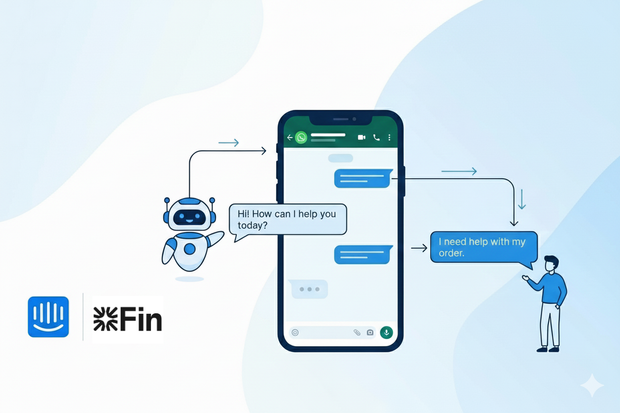
For a long time, building a proper WhatsApp chatbot inside Intercom wasn’t an easy task. Automation was limited, and bots couldn’t run real conversational flows.
That’s no longer the case.
Today, teams can use WhatsApp chatbots in Intercom to automate support and sales conversations. Only as long as WhatsApp runs through an API-based integration like Octopods.
This setup unlocks WhatsApp automation in Intercom, allowing bots to greet users, answer FAQs, route conversations, and hand off to agents when needed.
In this guide, we’ll explain how intercom bots on WhatsApp work, the flows you can build, common use cases, and the key limitations to keep in mind.
How WhatsApp chatbots work in Intercom
WhatsApp chatbots in Intercom work when you connect WhatsApp to Intercom through an API-based provider.
This is what makes automation possible in the first place. Without it, WhatsApp conversations can’t trigger Intercom bots or workflows.
Here’s how the flow usually works:
- A customer starts a conversation on WhatsApp.
- WhatsApp is connected to Intercom through an API provider (like Octopods), so the message appears in Intercom just like any other conversation.
- Intercom bots automatically trigger when that new WhatsApp conversation starts.
- The bot can send messages, ask questions, and collect information such as the reason for contact, order details, or urgency.
- At any point, the bot can route the conversation to a human agent, keeping the full chat history intact.
Types of WhatsApp bots to build in Intercom
There are different types of bots you can use in your WhatsApp Intercom workflows.
However, the native integration provided by Intercom only allows Fin AI. To use custom bots, you’ll need to use a third-party API integration, like Octopods.
Here’s an overview of the type of WhatsApp bots you can build in Intercom.
AI support bot (Fin) for WhatsApp
Fin is Intercom’s AI-powered support bot that brings automated conversation handling to WhatsApp, letting teams respond instantly to common questions without needing an agent for every message.
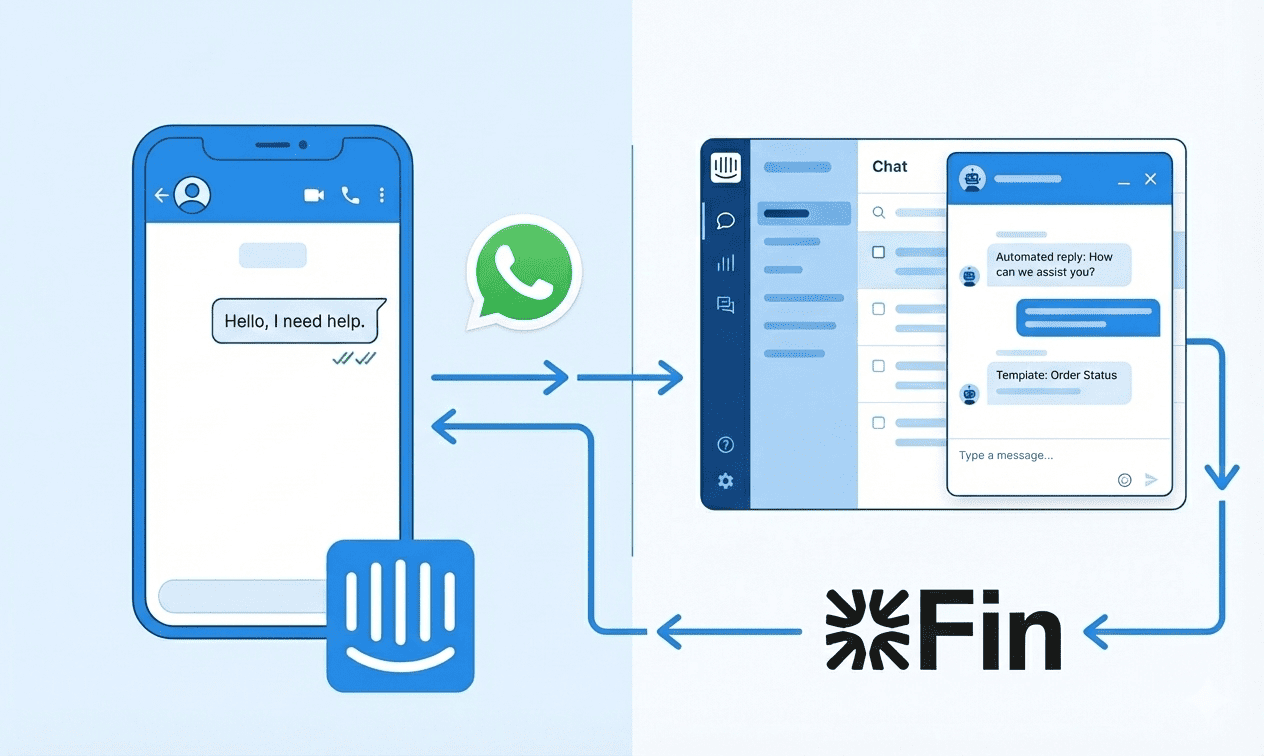
Some ways Fin AI helps support teams on WhatsApp is the following:
- Sends instant replies to customer questions
- Uses your knowledge base to provide accurate answers
- Handles FAQs and basic troubleshooting
- Deflects tickets before they reach human agents
Custom rule-based support bots
Intercom’s custom bots operate on predefined logic and automatically guide conversations when a new WhatsApp message arrives. Common tasks these bots handle include:
- Trigger on inbound WhatsApp messages
- Ask structured questions (reason for contact, urgency, category)
- Tag conversations automatically
- Route chats to the correct team or inbox
However, they aren’t available on the native WhatsApp Intercom integration. You have to use a third-party integration tool like Octopods to get them on WhatsApp.
Lead qualification bots
Lead qualification bots turn WhatsApp into a sales channel by capturing contact details and segmenting leads before a sales rep steps in. You can build them using Intercom custom bots.
Typical uses include:
- Collect contact details automatically
- Identify user intent (sales, support, pricing, demo)
- Score or segment leads
- Route qualified leads to sales teams
Proactive WhatsApp notification bots
Proactive notification bots send automated outbound messages using approved WhatsApp templates. They keep customers informed without requiring manual follow-ups.
Examples of messages these bots handle include:
- Payment reminders
- Appointment confirmations
- Order and delivery updates
- Renewal reminders
WhatsApp re-engagement bot
Re-engagement bots revive conversations that have gone cold by sending template-based follow-ups via Intercom workflows. They help make sure leads or customers don’t drop off due to inactivity.
They also help teams stay compliant with the 24 hour conversation window WhatsApp allows, as they use pre-approved WhatsApp templates in Intercom.
Typical actions include:
- Sends follow-ups after no response
- Re-engages inactive leads or customers
- Triggers based on time or conversation status
Support handoff bots
Support handoff bots manage the transition from automation to human agents. They collect context from conversations and escalate only when necessary, so agents have the full information needed to respond efficiently. They can:
- Begin with automated questions
- Escalate to a human agent based on responses
- Show estimated wait times
- Tag conversations before handoff
Customer feedback & survey bots
Feedback bots collect CSAT scores, NPS ratings, or issue-resolution feedback via WhatsApp. Because customers are already engaged on the channel, response rates are often higher than email.
Routing bots
Routing bots automatically direct WhatsApp conversations to the right team or workflow based on language, country, phone number, or product line. They reduce manual triage and ensure efficient handling from the start. Typical routing scenarios include:
- Route by language
- Route by country or phone number dial code
- Route by product line or issue type
- Route based on template or entry point
How to build a WhatsApp chatbot in Intercom
Now that you know what types of WhatsApp chatbots you can build in Intercom, we’ll show you how to build them.
1. Connect WhatsApp to Intercom via a provider
Start by connecting your WhatsApp Business number to Intercom.
Go to Settings > Channels > WhatsApp and follow Intercom’s setup guide.
This connects your WhatsApp Business API number to your workspace and lets messages show up in the Intercom inbox.
If you want full automation (beyond basic message handling), you’ll also need an API provider or integration layer (like Octopods) that links the WhatsApp API to Intercom and enables custom chatbots and automated workflows.
2. Choose the bot type (AI, rule-based, workflow bot)
Decide what kind of chatbot you want before building:
- AI bot (like Fin) handles FAQs and offers smarter responses based on content in your Intercom knowledge base.
- Rule-based bots follow defined logic (if-this-then-that) and are ideal when you want tight control over every response and path.
- Workflow bots sit inside Intercom’s workflow builder and can run multi-step flows, assign tags, set custom fields, and route conversations.
Choosing the right type depends on your use case. You can use:
- AI for open-ended support
- Rule-based for structured data collection
- Workflows for complex paths.
3. Define entry rules for WhatsApp
Decide when your bot should start:
- New inbound message: Trigger the flow the moment a customer messages you on WhatsApp.
- Out-of-hours triggers: Start different messaging when your team is offline.
- User attributes: Begin bots based on known user fields or previous actions.
- Conversation tags: Entry can be triggered when messages contain certain keywords or tags added by an earlier workflow.
4. Build the bot flow
Now you design the conversation:
- Questions: What will the bot ask first?
- Conditions: Branch the flow based on customer replies.
- Actions: Send messages, update attributes, or tag conversations.
- Data collection: Store customer inputs (like email, order ID) into fields.
- Routing logic: Send certain answers to support teams, sales reps, or queues.
If you’re using Intercom workflows, you can use built-in actions like send message, assign teammate, add tag, etc., which work with WhatsApp messages coming into Intercom.
5. Test the bot in a real WhatsApp thread
Before going live, test in a real WhatsApp thread:
- Send messages as a customer would and make sure bot replies come through.
- Check how media (images, attachments) behaves in Intercom
- Check how the 24-hour session window affects replies and whether fallbacks (template messages) are needed
- Ensure any handoff to a human agent works smoothly
Limitations of WhatsApp bots in Intercom
While WhatsApp chatbots open up powerful automation possibilities in Intercom, there are still some important limitations to keep in mind.
WhatsApp UI restrictions
These are limitations of the WhatsApp platform itself, affecting any automation whether you use Intercom natively or via Octopods:
- No carousels or product tours
- No long multi-step forms without user input
WhatsApp platform rules
These are enforced by WhatsApp for all business accounts, regardless of the tool used:
- Free-form replies are allowed only within 24 hours of the user’s last message
- Outbound messages on Intercom outside this window must use approved WhatsApp templates
- WhatsApp restricts promotional messages; templates must follow compliance rules
Intercom-specific limitations
These apply only when using Intercom’s native WhatsApp integration and may be addressed with API platforms like Octopods:
- Can’t override WhatsApp UI limits. Intercom can only send what WhatsApp allows
- Rich formatting may be simplified in WhatsApp replies
- Handling multiple numbers, advanced routing, or multi-brand automation requires an external integration like Octopods.
When to use Octopods for WhatsApp bots
If you’re only handling basic inbound WhatsApp conversations, Intercom’s native setup may be enough. But once you start relying on bots and automation, you'll need an integration layer like Octopods.
You’ll typically need Octopods for WhatsApp chatbots if:
- You manage multiple WhatsApp numbers or brands and need centralized control inside Intercom
- You want to send outbound, template-based bot messages (for follow-ups, notifications, or re-engagement)
- You need advanced routing logic, such as routing by language, country, phone number, or intent
- You want to trigger template-based automations directly from Intercom workflows
- You need delivery logs, message status visibility, and troubleshooting tools for WhatsApp messages
Want to see how Intercom bots work on WhatsApp through Octopods?
FAQs
What are WhatsApp message templates and how do I create them for Intercom?
WhatsApp message templates are pre-approved messages required for sending outbound messages outside the 24-hour window. They can include text, variables, and buttons. In Intercom, you create templates in WhatsApp Manager and connect them to workflows.
How do WhatsApp automation best practices differ from email or web chat automation?
WhatsApp is mobile-first and conversational, so messages should be short, interactive, and timely. Unlike email or web chat, long messages or multi-step forms aren’t ideal.
Can I use AI and rule-based bots together on WhatsApp in Intercom?
Yes, combining AI and rule-based bots lets AI handle natural language questions while rules manage structured tasks like routing, lead scoring, or template-based messages.
What are WhatsApp message types supported in Intercom?
Intercom supports text, images, videos, files, audio, locations, and template-based messages with buttons. Rich content like carousels or product tours isn’t supported due to WhatsApp’s platform limitations, and unsupported elements may convert to plain text.
What are common mistakes when building WhatsApp chatbots in Intercom?
Common mistakes include:
- Over-automating without human fallback
- Sending messages outside the 24-hour window without templates
- Creating long multi-step flows
- Ignoring error handling for unrecognized responses
- Not testing routing logic across teams or languages