
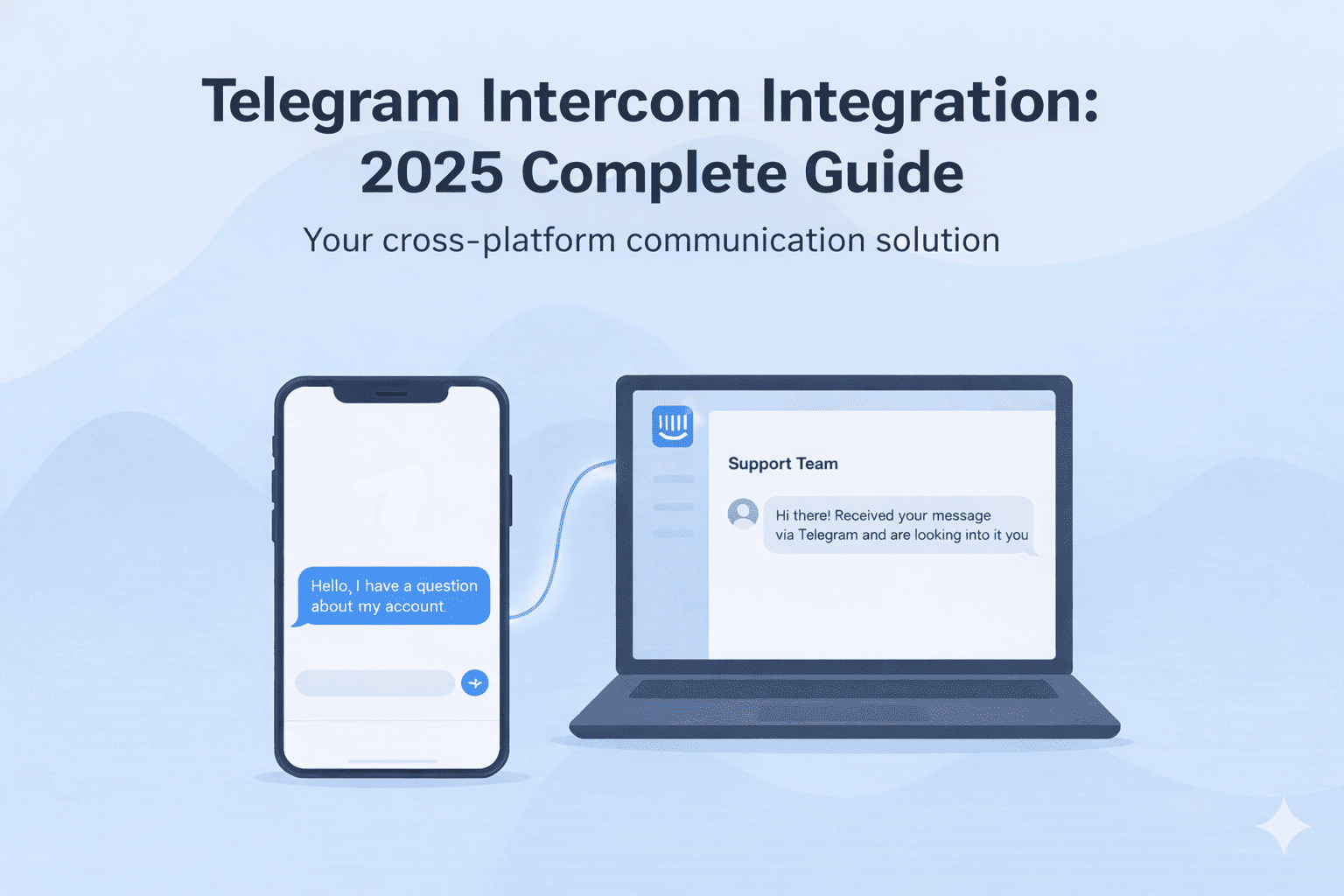
Telegram is the 4th most used messaging app in the world, and customers using it often want to meet all theirs needs on it. They don’t want to leave it to contact a support team via email or have a live chat with an agent.
While this makes sense for customers, it presents a hassle for businesses using Intercom for support. They end up using multiple platforms to support customers wherever they are, which is a logistics nightmare.
Luckily, there’s a solution, and that is to connect Telegram and Intercom via integration. Intercom doesn’t offer a native Telegram integration, but third-party integration tools like Octopods do.
In this complete guide, we’ll answer all your questions about the Telegram–Intercom integration, including:
- How does Telegram connect to Intercom?
- Why integrate Telegram with Intercom?
- How do you set up Telegram inside Intercom?
- What are the limitations of using Telegram inside Intercom?
How Telegram works with Intercom
Telegram connects to Intercom through third-party integrations that act as a bridge between the two platforms. Since Intercom doesn’t offer a native Telegram integration, these tools make it possible to bring Telegram conversations directly into the Intercom inbox.
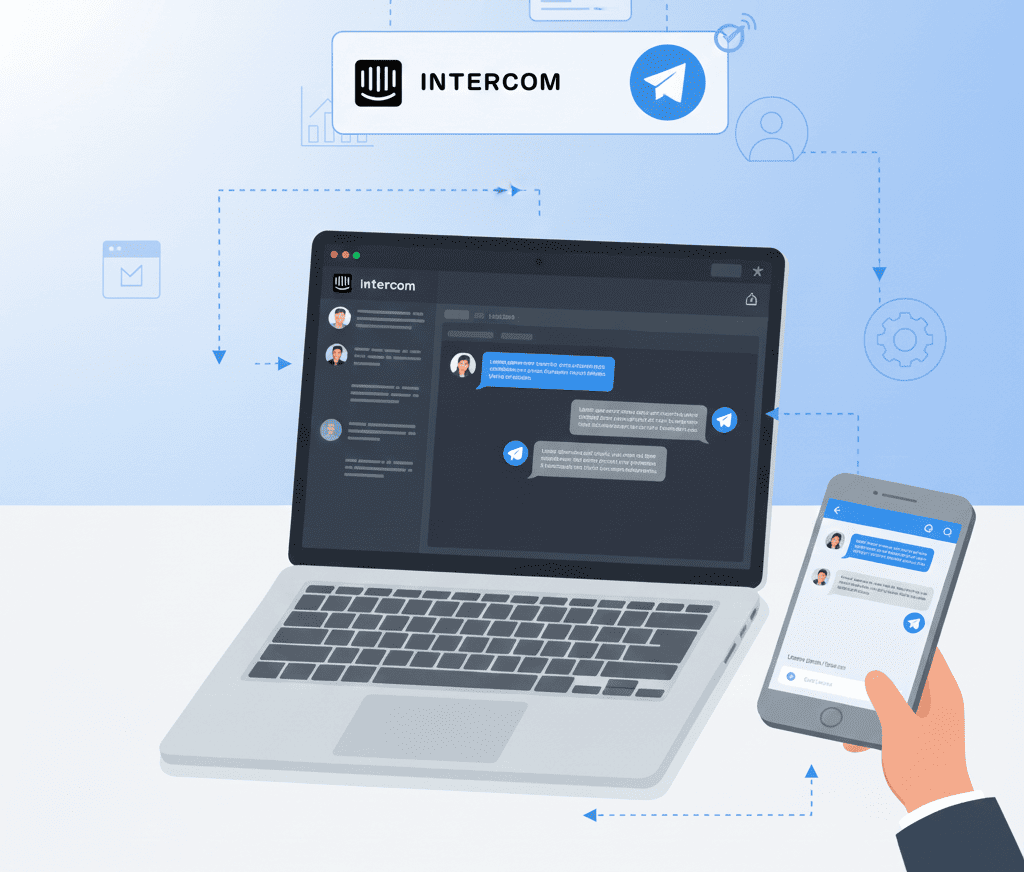
Most integrations work by connecting your Telegram bot to Intercom. Once the bot is linked, every message customers send to that bot automatically appears in your Intercom workspace.
Some tools also support regular Telegram accounts, not just bots, so businesses can manage different types of Telegram channels from inside Intercom.
When you integrate Telegram to Intercom, your team can use Telegram just like any other Intercom channel, with full two-way messaging and support for Intercom automation and workflows.
Here's how the Telegram Intercom integration works:
- You link your Telegram bot (or account) to Intercom through a third-party tool.
- Incoming Telegram messages show up in your Intercom inbox.
- Support agents can reply from Intercom, and customers receive messages on Telegram.
- Intercom features — like tagging, assigning, macros, and workflows — work for Telegram chats.
- All customer conversations and data stay centralized in Intercom.
Why connect Telegram to Intercom
Businesses connect Telegram and Intercom because it helps them deliver faster and better customer support. Customers don't leave their favorite messaging apps, and teams don't waste time switching tabs.
Here's a list of reasons why businesses connect Telegram and Intercom:
Centralize Telegram conversations inside Intercom
When Telegram lives outside your support stack, teams end up switching between tabs.
This slows response time and makes it harder to track customer history. Suppose the same customer messages you on Telegram and then shifts to emails. If Telegram and Intercom aren’t connected, the support team might not even know it.
When you integrate Telegram with Intercom, every chat appears in the same inbox where your team already handles email, live chat, and other channels.
Automate routing using Intercom assignment rules
Telegram on its own has very limited routing capabilities, there’s no native way to assign chats to specific teams or agents. But Intercom does. That’s why connecting Intercom and Telegram gives you access to assignment rules that you can use to route conversations.
Support teams who do this end up with fewer dropped conversations, Not to mention, they have more balanced workload than others.
Improve manager visibility & performance tracking
Using Telegram separately makes it hard for managers to understand how the channel is performing or how quickly the team is responding. Once Telegram is connected to Intercom, all conversations flow into Intercom’s reporting dashboards.
Managers can track team performance across email, live chat, and messaging apps — including Telegram — all in one place. This also makes it easier to monitor SLAs, spot delays, and ensure consistent service quality across every channel.
How to integrate Telegram with Intercom
Intercom doesn’t have a native Telegram integration. To connect both platforms, you’ll need to use a third-party integration. Below, we’ll show you the steps to connect Telegram and Intercom using Octopods.
- Create a Telegram Bot
- Install Octopods to your Intercom dashboard and create an account
- In Octopods, choose Telegram as the channel you want to connect
- Enter your Telegram Bot Token and click on Activate Telegram Channel
- Start messaging customers inside Intercom
It’s worth noting that you can connect more than one Telegram Bot to your Intercom account. You’ll have a channel connection for each bot, and you’ll receive messages from all of them in your Intercom inbox.
Want help setting the Intercom Telegram integration up?
Telegram workflows inside Intercom
Once you connect Telegram to Intercom, your team can treat Telegram conversations just like any other support channel. Here’s how you can use Telegram inside Intercom day-to-day.
Manage Telegram conversations directly in the Intercom inbox
If your team struggles with juggling too many tabs, connecting Telegram and Intercom solves a major part of the problem. Every Telegram message lands in your Intercom inbox, right next to email, live chat, and other messaging channels.
You don’t have to train agents on a new tool or worry about missing messages in Telegram. You can assign conversations, tag them, add notes, and use your usual SLAs all from one place.
Use Intercom AI to reply to Telegram messages
Integrating Telegram and Intercom means you get to use Intercom’s automation and AI features to reply to customers. AI, in specific, can give you faster and more constant replies.
This is especially helpful during peak hours or when your team is short-staffed.
Sync Telegram customers into Intercom automatically
An Intercom Telegram integrations mean that when a Telegram user contacts your business, Intercom automatically creates or updates their profile. This helps your team offer better support as they won’t lose context every time a customer sends a message.
You get one timeline of interactions across all channels so agents always know who they’re talking to.
Support rich media without switching tools
If your customers often send you screenshots, photos, or voice notes on Telegram, you can handle all of that directly from Intercom. Most integrations support rich content, so agents don’t have to jump to Telegram to see or send files.
Everything stays neatly inside the conversation thread.
Route Telegram chats using Intercom assignment rules
Telegram doesn’t natively route conversations. It only does that through Bot APIs and third-party integrations. When integrated with Intercom, you can use its assignment rules to route Telegram conversations.
You can automatically send conversations to the right team, balance workloads, and cut down on dropped chats.
Track your team’s performance across all channels
If you need better visibility into how Telegram is performing, Intercom’s reporting gives you exactly that. All Telegram conversations feed into your existing dashboards, so you can track response times, SLAs, and productivity without jumping between analytics tools.
It’s one clean view of your entire support operation.
Final thoughts
If your customers contact you on Telegram and your team lives in Intercom, integrating the two makes life easier. It removes the constant tab-switching and gives your agents the tools they already know without adding yet another platform to manage.
And the best part is that you get to bring Telegram into your existing workflows instead of building new processes from scratch. If you want better routing, clearer reporting, faster replies, or simply a more organized support setup, connecting Telegram to Intercom gets you there.
Ready to start supporting your customers on Telegram?
FAQs
Do I need an integration layer to connect Telegram and Intercom?
Yes, Intercom doesn't have a native Telegram integration, so you need an integration layer to connect both platforms. These layers act as the necessary connector to sync messages and data between the two platforms, allowing agents to manage Telegram conversations directly within the Intercom inbox.
Can I connect multiple Telegram bots to Intercom?
Yes, you can connect multiple Telegram bots to Intercom, and each will be treated as a separate channel. Messages from all bots will arrive in your Intercom inbox, and if the same customer messages you on two bots, they'll have the same contact on Intercom.
Can I connect an existing Telegram bot to Intercom?
Yes, you can connect an existing Telegram bot to Intercom using an integration layer like Octopods, and all conversations that come to this bot will show up in your Intercom inbox, All Telegram bots created through Bot Father are fully supported, whether new or already existent.