
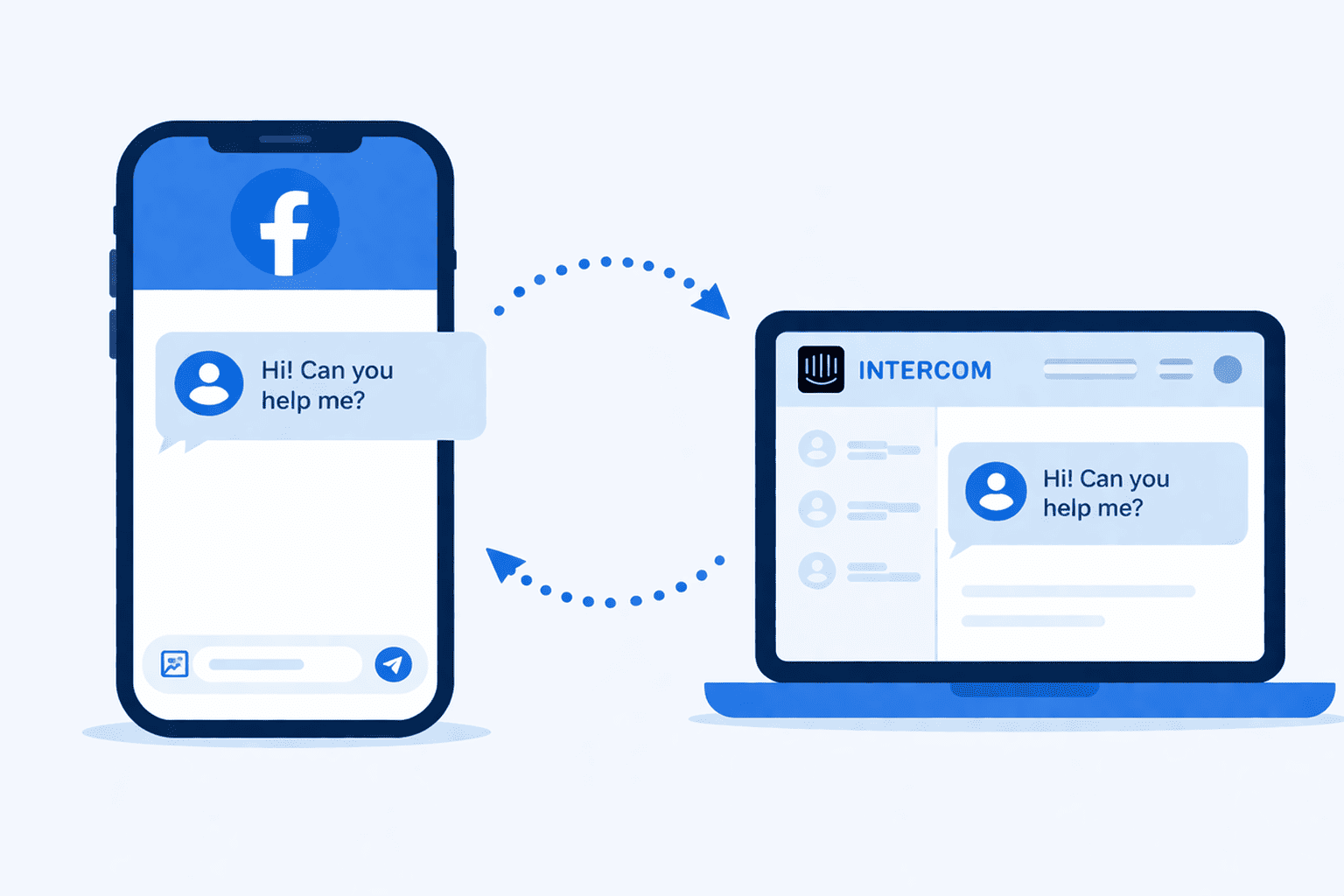
If your support team lives in Intercom but your customers are messaging you on Facebook, you're constantly playing catch-up. There's no shared inbox, no way to assign conversations, no visibility into who responded or if anyone did at all.
Managing Facebook Messenger DMs manually just doesn't scale. Your team keeps switching tabs and losing context, leaving less time to help customers. That's the gap that integration layers like Octopods are built to close.
In this guide, we’ll show you how to manage Facebook DMs in Intercom through integrations like Octopods.
How to automate Facebook Messenger DMs in Intercom
You can connect Facebook Messenger to Intercom through Intercom's native integration or through an integration tool like Octopods. Both let your team handle Messenger DMs directly inside the Intercom Inbox. That said, Intercom native integration covers direct messages only.
Tools like Octopods also pull in Facebook Page comments, so your team can respond to post comments the same way they handle DMs.
What triggers a Facebook conversation in Intercom
Every time someone sends your Facebook Page a direct message, Octopods creates a conversation in your Intercom Inbox instantly. The whole team has visibility from the moment the message comes in and anyone with the right permissions can pick it up.
What does your team see about the customer before they reply?
Before an agent reads a single word of the message, they already know:
- The customer's Facebook name
- A direct link to their Facebook profile
- Which Facebook Page the message came through
That context is stored on the contact record in Intercom. So if the same customer reaches out again next week, their full message history is already there. No need to dig through Facebook or ask the customer to repeat themselves.
How to run Facebook DMs in Intercom using Octopods
Your team can send and receive Facebook Messenger messages directly inside the Intercom Inbox using Octopods.
Text, images, videos, audio, and documents all flow both ways between Messenger and Intercom. The integration handles the delivery layer automatically, so agents just focus on the conversation.
What your team can send and receive in Intercom
When a customer messages your Facebook Page, everything comes through to your Intercom inbox as a standard conversation. Your agents can receive and reply with:
- Text messages
- Images
- Videos
- Audio messages
- Files and documents
It works in both directions. A customer sends a screenshot of their order issue on Messenger, your agent sees it in Intercom and can reply with a PDF guide, a video walkthrough, or just a text message.
Want to see how Facebook DMs work inside Intercom in real time?
Limitations on managing Facebook messages through Intercom
Here are limitations you'll face when you manage Facebook support in Intercom.
- Stickers and reactions aren't supported. If a customer sends a sticker or reacts to a message, it won't appear in Intercom.
- You can't initiate a conversation. This one matters more, especially if you're thinking about using this for sales or outreach. Facebook's API doesn't allow businesses to send the first message to a user who hasn't messaged them first.
- What your team can send in the outbound direction follows the same rules: text and all attachment types go through cleanly. Stickers are excluded on your end too.
That said, even when everything is set up correctly, messages can occasionally fail—not because of a bug, but because of how Facebook's API works.
Customers who've opted out of messages from your Page, or who no longer have a reachable profile, will trigger a delivery failure. Octopods surfaces these as clear error states in Intercom so agents aren't left guessing.
The most common delivery limitation, though, is timing. Facebook enforces a strict messaging window that affects when your team can reply and missing it means the message won't go through.
How to handle Facebook's messaging window
If there's one constraint your team needs to understand about managing Facebook Messenger DMs in Intercom, it's the messaging window. Get this wrong and replies fail.
Here's what the Facebook messaging rule is and how it gets handled automatically.
What is Facebook's 24-hour messaging rule?
Facebook's 24-hour messaging rule says that once a customer messages your Facebook Page, your team has 24 hours from their last message to respond. After that, the conversation locks. Any reply sent outside that window won't reach the customer.
This applies regardless of which tool you use to manage Facebook Messenger messages. Whether you're handling DMs through Intercom's native integration or an integration layer.
When an agent tries to reply after the window closes inside the Intercom inbox, Octopods send a clear error message to inform.
Best practices for managing the Facebook Messenger reply window in Intercom:
- Treat Messenger conversations like live chat. Every Facebook DM that lands in your Intercom inbox should get a first response fast. The earlier your team replies, the more flexibility they have in the conversation.
- Set SLA rules for Messenger in Intercom. Use Intercom's features to flag any Facebook Messenger conversation that hasn't received a response within your target time. Unattended DMs are the most common reason teams hit the 24-hour limit.
- Close or snooze stale conversations. If a Messenger thread has gone quiet and the window has likely passed, close it. When the customer messages again, a fresh 24-hour window opens automatically.
- Send an early acknowledgment. If your team can't resolve the issue immediately, send a quick first reply to confirm you're on it. It keeps the conversation active and resets the window.
How to manage DMs from multiple FB pages in Intercom
You can manage multiple Facebook Pages in Intercom using Octopods. There's no separate setup per page. Everything feeds into the same shared inbox your team already works from.
Here's how it works in practice:
- Each page is connected separately through Octopods, identified by its Facebook Page ID
- All pages share one Intercom workspace with no duplicate setups or no separate inboxes
- Conversations stay distinct. If the same customer messages two different pages, those appear as two separate Intercom conversations, not merged into one
This matters most for businesses managing multiple brands, regions, or product lines on Facebook.
FB Messenger DMs vs Facebook Comments
Octopods also connects Facebook Page comments to your Intercom inbox, but they behave differently, and your team should know what to expect from each.
Here's a quick overview of how FB messages differ from Facebook page comments.
| Feature | Messenger DMs | Page Comments |
|---|---|---|
| Visibility | Private — only sender and page see it | Public — visible to everyone |
| Media support | Text, images, video, audio, documents | Text + max 1 image per reply |
| Conversation type | Direct thread between user and page | Attached to a specific post or ad |
| 24-hr reply window | Yes | Yes — same window applies |
| AI filtering | Not needed — all DMs are relevant | Available — surfaces important comments only |
FAQs
Can I use Intercom for Facebook Messenger customer support?
Yes, you can connect Facebook Messenger to Intercom and handle all incoming DMs directly from your Intercom inbox. Your team gets full access to Intercom's assignment rules, SLAs, tags, and automation—without ever opening Facebook.
Does Intercom support Facebook comments?
Intercom's native integration covers Messenger DMs only. To manage Facebook Page comments inside Intercom, you need a third-party integration like Octopods, which pulls both DMs and comments into your Intercom inbox and lets agents respond from one place.
What happens if I don't reply to a Facebook message within 24 hours?
The message will fail to deliver. Facebook enforces a strict 24-hour reply window from the customer's last message. After that, the conversation locks and any reply your agent sends won't reach the customer. Tools like Octopods surface a clear error when this happens so agents aren't left guessing.
Can I connect multiple Facebook Pages to one Intercom workspace?
Yes, you can connect as many Facebook Pages as you need to a single Intercom workspace. Conversations from each page are kept separate in the inbox, and agents can always see which page a message came from before they reply.
Is it possible to send proactive messages to customers on Facebook Messenger through Intercom?
No. Facebook's API doesn't allow businesses to initiate a conversation with a user who hasn't messaged them first. This applies regardless of which tool or integration you use. You can only reply to customers who reach out to your page first.