
Today, customers expect fast and personal support on all the channels they use. HubSpot Service Hub gives them that with a service platform that combines customer conversations, tickets, and data in one tool. It also integrates with multiple support channels like email, live chat, WhatsApp, and Instagram.
In this article, we’ll explore the key features that make HubSpot Service Hub one of the leading helpdesk and customer support tools.
1. Shared inbox & ticket management
The most important component of HubSpot Service Hub is its shared inbox. And because it’s a support platform, the inbox is connected to a solid ticketing system.
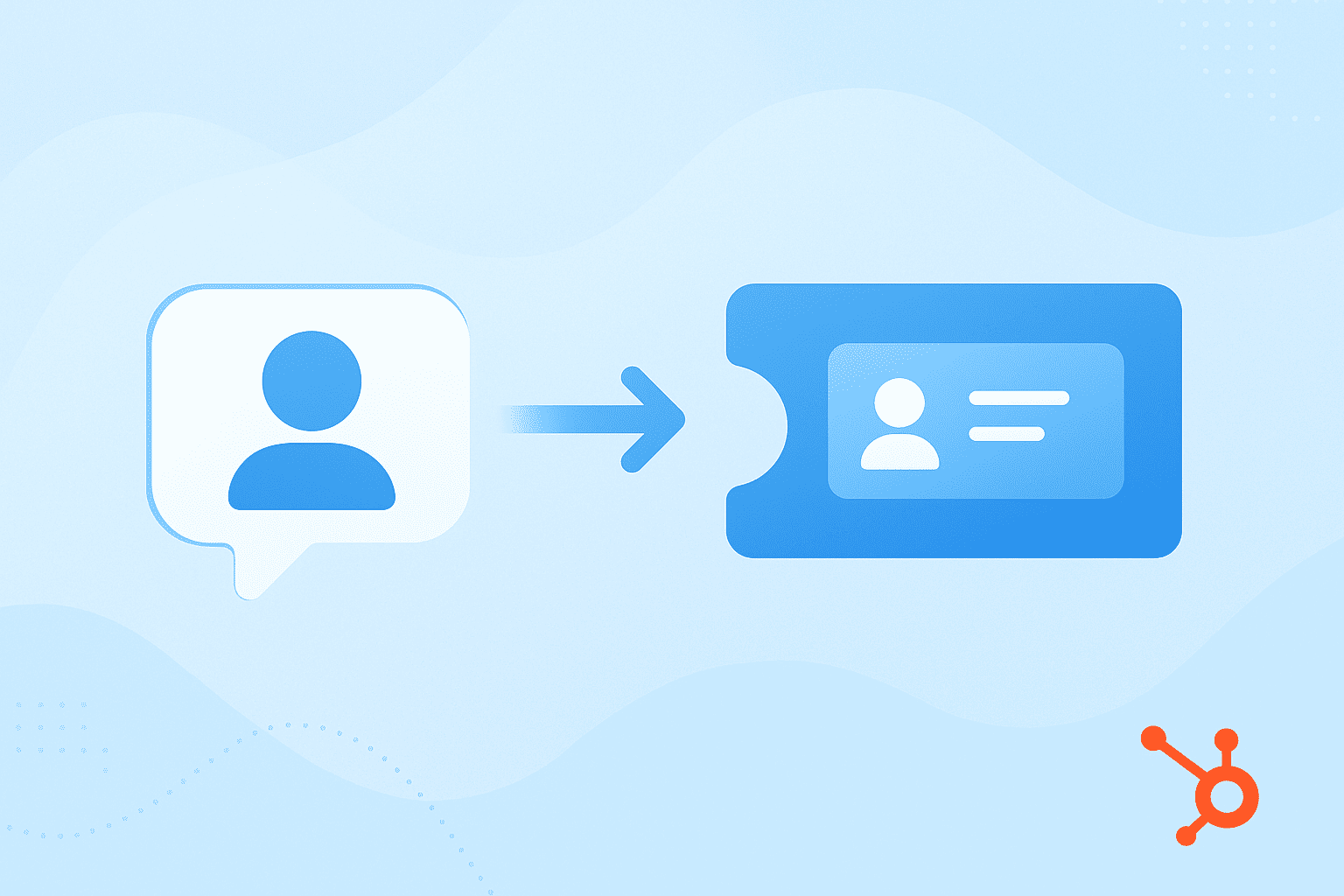
Teams can use the shared inbox and ticketing system to:
- Reply to customer conversations from different channels
- Collaborate using internal notes, mentions, and ticket assignments
- Create tickets automatically from customer conversations
- Organize tickets in pipelines that match their workflows
This shared view keeps everyone on the same page. For example, when a support rep receives a WhatsApp or email inquiry, it instantly appears in HubSpot’s inbox as a ticket. Complete with the customer’s chat history and details.
This, coupled with HubSpot's automation features, makes support management easier.
2. Automation and workflows
Once your tickets are organized, HubSpot’s automation engine steps in to make everything run smoothly. It’s designed to take repetitive, manual work off your team’s plate.
Teams can use HubSpot automated customer service to:
- Automatically assign tickets based on team, priority, or channel
- Send follow-up emails right after a ticket is closed
- Escalate unresolved issues automatically
- Trigger internal alerts when a ticket needs attention
Because automation in Service Hub connects directly with HubSpot’s CRM and Sequences, your service workflows can also trigger actions in sales or marketing. This multiplies the ways businesses can use HubSpot Service Hub.
3. AI tools & chatbots
HubSpot Service Hub includes a set of AI tools that make it easier for teams to deliver faster, more personalized support.

Some of HubSpot’s AI-powered features include:
- Breeze AI, an AI suite that spans all HubSpot Hubs. It helps teams work smarter by analyzing customer conversations, surfacing key insights, and suggesting ways to improve service.
- AI-powered call analytics, which automatically capture and analyze voice data in the HubSpot Smart CRM. This helps teams uncover why certain calls perform better than others.
- A free chatbot builder, which makes it easy to create helpful, automated chat experiences
Teams can build chatbots that qualify leads, book meetings, or provide quick customer support.
For example, a HubSpot chatbot can collect basic customer info, create a ticket in Service Hub, and automatically route it to the right agent.
4. Knowledge base
HubSpot Service Hub includes a built-in knowledge base that helps customers find answers quickly without waiting for an agent. It’s the perfect place to publish FAQs, how-to guides, and troubleshooting articles.
Along with that comes HubSpot's Customer Portal, a secure space where users can:
- Track their ticket status in real time.
- Chat with support agents directly.
- Access helpful self-service resources whenever they need them.
You can fully customize your HubSpot knowledge base to match your brand, link articles to specific tickets, and make sure customers always see relevant content.
This self-service setup reduces the number of incoming support requests and boosts customer satisfaction (CSAT) by giving people the answers they need, fast.
5. Reporting & analytics
HubSpot Service Hub makes tracking performance easy thanks to its built-in Service Analytics feature. It gives you real-time dashboards and out-of-the-box reports that show how your support team is performing and how happy your customers are.
These customer service analytics tools help you measure key metrics like:
- Ticket response time and average time to close
- CSAT (Customer Satisfaction) and NPS (Net Promoter Score)
- SLA tracking to ensure service goals are met
- Team productivity and workload balance
- AI-handled vs. human-handled tickets to see how automation impacts performance
You can also create custom dashboards with filters and visualizations.
6. Integrations
One of HubSpot’s biggest strengths is its Marketplace, which offers over 1,500 integrations to connect your favorite tools. You can link platforms like Slack, Jira, Zoom, Gmail, and Zapier to keep your team’s data and communication in sync.
While HubSpot Service Hub integrations cover channels like email, live chat, and Facebook Messenger, many support teams today also rely on WhatsApp, Instagram, Telegram, and SMS. Some of them are supported natively by HubSpot but have limitations, while some aren’t supported at all.
That’s why businesses look for integration tools. Connector tools like Octopods bridge this gap by connecting these messaging apps directly to HubSpot. This lets teams:
- View and reply to messages from all channels inside the HubSpot inbox.
- Automatically create tickets from new customer messages.
- Stay compliant by using official messaging APIs.
7. Customer feedback tools
HubSpot Service Hub makes it easy to collect and act on customer feedback through its built-in Customer Feedback Software. Instead of guessing how customers feel, you can capture real insights and use them to improve service and loyalty.

Teams can create custom surveys in multiple languages and choose from different feedback types, including:
- CSAT surveys to measure satisfaction right after a ticket is resolved
- NPS surveys to track long-term customer loyalty
- CES surveys to understand how easy it was for customers to get help
All feedback data flows directly into HubSpot’s reports and dashboards, helping you spot trends and identify areas for improvement.
You can also connect feedback results with other tools like Slack or Jira, so your whole team can act on insights faster.
Summary of HubSpot service features
By now, it’s clear that HubSpot Service Hub brings together everything a modern support team needs to manage customer relationships.
Here’s a quick snapshot of its key features:
- Shared inbox and ticket management
- Automation and workflows
- AI tools and chatbots
- Knowledge base and customer portal
- Reporting and analytics
- Integrations and extensibility
- Customer feedback and surveys
Together, these features make HubSpot Service Hub a complete helpdesk solution for growing businesses. When extended with messaging integrations like WhatsApp and Instagram, it becomes a true omnichannel platform for modern support teams.
FAQs
What are the features of HubSpot Service Hub?
HubSpot Service Hub includes a shared inbox, ticket management, automation and workflows, AI tools and chatbots, a knowledge base and customer portal, reporting and analytics, integrations, and customer feedback surveys. These features help teams manage support efficiently and deliver better customer experiences.
Does HubSpot Service Hub have ticket management?
Yes, HubSpot Service Hub includes full ticket management capabilities. You can automatically create tickets from incoming messages, manage them in a centralized help‑desk workspace, route and assign them, merge or split them, and track their status and history.
Does HubSpot Service Hub use AI?
Yes, HubSpot Service Hub has multiple AI features to support customer service teams. These include:
- Breeze AI
- AI reporting
- AI summarization
- AI call analytics
What reports are available in HubSpot Service Hub?
HubSpot Service Hub offers reports to help teams track performance and customer satisfaction. The reports include:
- Pre-built reports and custom report-building options.
- Available reports that cover metrics like customer satisfaction scores, average time to close tickets, chat wait times, support volume, and time in ticket pipeline status.
How does HubSpot Service Hub compare to Intercom?
HubSpot Service Hub is CRM-driven, while Intercom is conversational. The Service Hub is built over the HubSpot CRM, which means it focuses on customer conversations plus data and pipelines. Meanwhile, Intercom focuses on real-time chat and in-app messaging. HubSpot is better for teams wanting a full CRM‑linked helpdesk, while Intercom suits teams prioritizing live chat and engagement flows.