
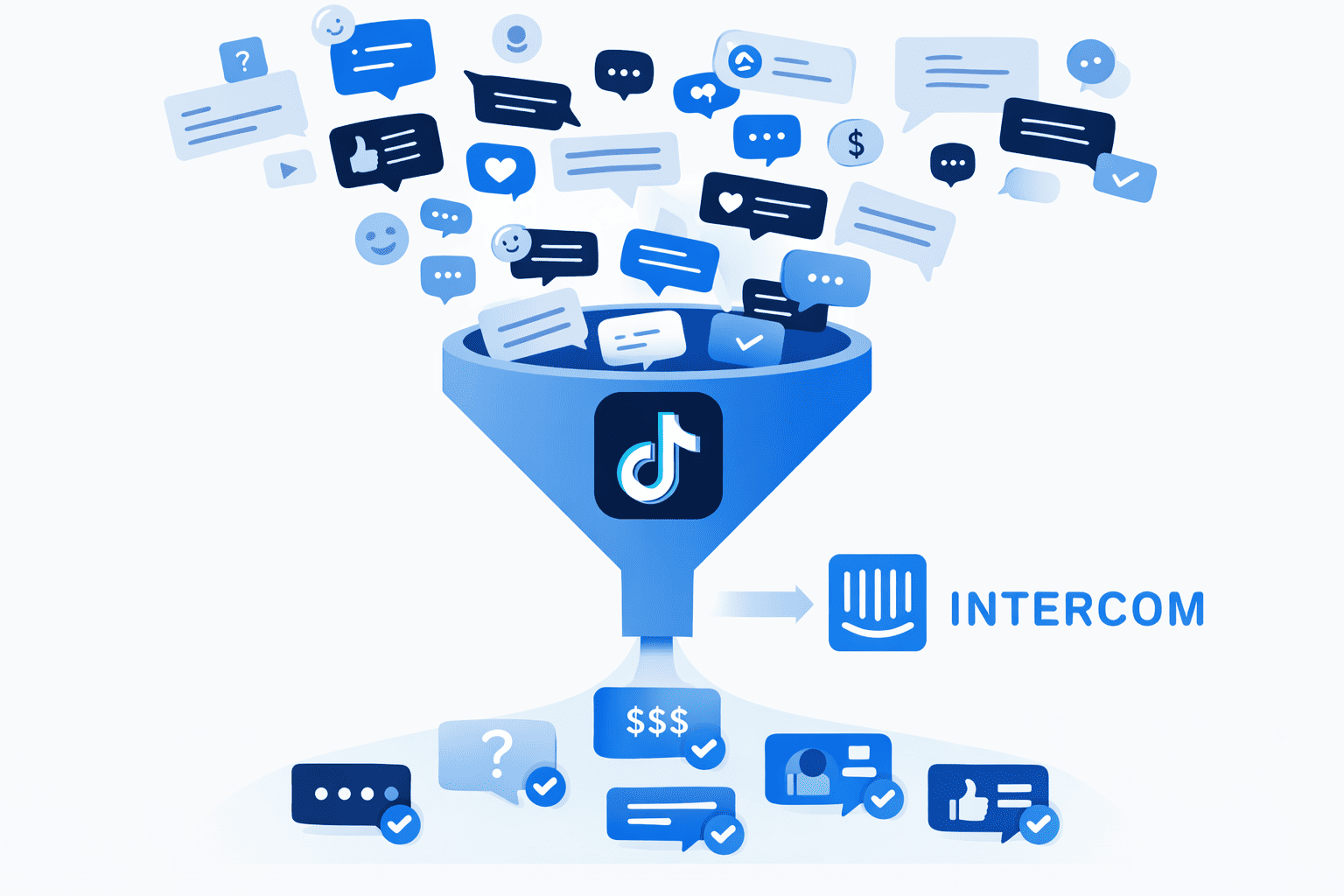
Once you connect TikTok to Intercom, all of customer conversations appear in Intercom inbox, but they don’t automatically organize themselves by importance.
It’s challenging to know high-intent conversations from random replies on stories. Your team ends up scanning conversations manually, which of course slows down performance.
To fix this, you need to filter TikTok messages in Intercom, and we’ll show you how in this article.
How TikTok messages appear inside Intercom
When you connect TikTok and Intercom through a third-party integration tool like Octopods, you receive DMs in Intercom inbox like they’re native conversations. Here’s what happens then:
- Each TikTok DM becomes a conversation in Intercom
- The conversation shows TikTok as the source channel
- Intercom attaches the message to a customer profile
- If no matching contact exists, Intercom creates a new one
- Automatic TikTok DMs assignment sends each conversation to an agent or team
This structure helps you in filtering. Once TikTok messages appear as proper Intercom conversations linked to contact records, you can filter TikTok messages in Intercom just like any other channel.
You can segment by source, assign by team, trigger workflows, and prioritize based on intent instead of simply replying in order.
See TikTok Intercom integration in action.
Filtering TikTok messages by channel
Once TikTok DMs flow into Intercom, the first step is to filter by channel. Instead of letting TikTok messages mix with email, live chat, WhatsApp, or other messaging channels, you can create a dedicated view that isolates TikTok conversations.
Inside Intercom, you can:
- Create a custom inbox view where Channel = TikTok
- Separate TikTok messages from other messaging sources
- Give specific teams access to a TikTok-only queue
- Monitor TikTok conversation volume independently
This type of TikTok Intercom filter gives you better visibility and clarity. Your team knows what messages to prioritize, which means faster replies for high-intent customers.
Filtering TikTok DMs by intent or priority
Filtering TikTok messages by intent gives you a higher chance of engaging customers while they're the most interested.
Here are different ways you can filter TikTok DMs in Intercom by intent.
1. Filter by sales vs support
Some TikTok users ask about pricing, while others need help with an order or report an issue. The former goes to sales, while the latter goes to support.
You can apply tags automatically based on keywords. For example, messages that include “price” can receive a sales tag, while messages that include “problem” can route to support. Once you tag these conversations, you can create filtered views such as:
- TikTok sales leads
- TikTok support requests
2. Filter by urgency
Some TikTok DMs require immediate attention, especially when they involve complaints or high-value prospects. Instead of depending on agents to manually spot urgent conversations, you can create views that surface priority automatically.
You can filter for:
- Unanswered TikTok messages
- Conversations waiting longer than a defined SLA
- Messages marked with high-priority tags
3. Filter by campaign or source
If you run multiple TikTok campaigns or influencer collaborations, you can segment by campaign. This lets you connect inbound messages to marketing performance.
You can tag conversations based on campaign identifiers or landing page references and then create views for:
- Campaign A TikTok Leads
- Influencer Collaboration Messages
- Regional TikTok Inquiries
Best practices for TikTok inbox views
Here are best practices for filtering TikTok conversations that keep your inbox organized:
- Don’t depend on “All conversations”: The default inbox view mixes every channel and every intent together, which forces agents to scan.
- Create a dedicated TikTok view: You can set up a view where Channel = TikTok so your team can isolate messages coming from there. This becomes your baseline TikTok Intercom filter and gives you a clear view of all incoming DMs.
- Separate new TikTok leads from existing customers: Since DMs might come from existing customers, you should use tags, lifecycle stages, or customer attributes to split new leads from active users so sales and support don’t step on each other.
- Combine channel & tag conditions: Combining conditions gives you better results. For example, Channel = TikTok + Tag = Sales creates a focused revenue queue. Channel = TikTok + Tag = Urgent surfaces high-priority cases instantly.
FAQs
Can I filter TikTok messages in Intercom?
Yes, you can filter TikTok messages in Intercom once you connect TikTok DMs to your workspace. Each TikTok message appears as a structured conversation, which allows you to create inbox views based on channel, tags, assignment status, priority, or other conditions.
Can I create a dedicated TikTok inbox view?
Yes, you can create a dedicated TikTok inbox view by setting a filter where Channel = TikTok. This allows your team to manage TikTok messages in Intercom without distractions from other sources.
Can filtering apply automatically when a TikTok DM arrives?
Yes, filtering can apply automatically when a TikTok DM arrives if you use rules, workflows, or keyword-based tagging. You can configure Intercom to tag TikTok conversations based on message content, assign them to specific teams, or mark them as high priority.
Does filtering work across multiple TikTok accounts?
Yes, filtering works across multiple TikTok accounts as long as all accounts connect to Intercom. Each message still carries channel data and any applied tags, which allows you to segment by account, campaign, or team responsibility.