
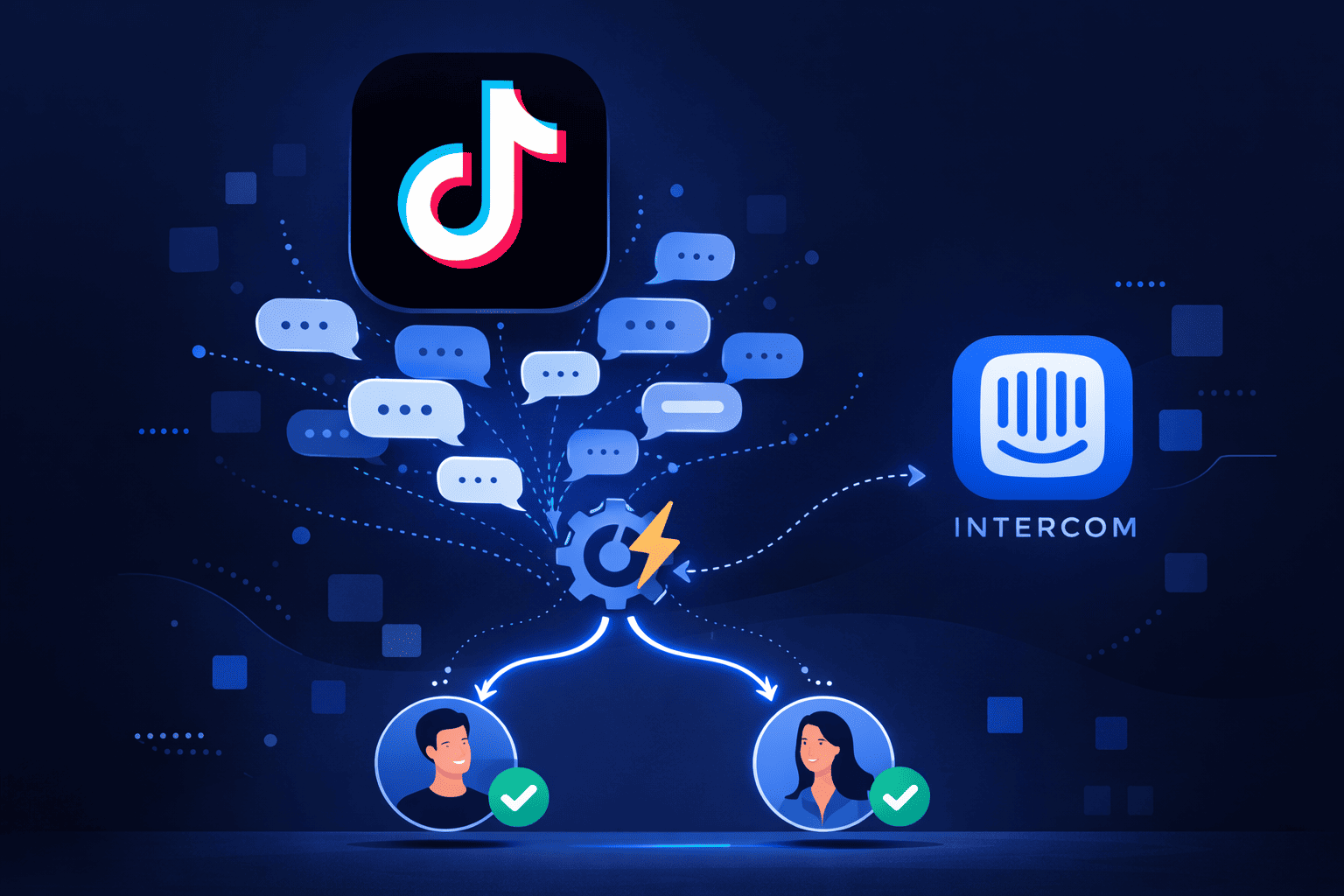
If one video goes viral on your TikTok account, your DMs get flooded with hundreds of messages.
Someone has to read each message, figure out if it's a sales lead or a support issue, and then decide who should handle it. That process works fine when you get ten messages a day, but it breaks when you get a thousand.
As long as messages are unassigned, your response time will go slow, and your customers will wait frustrated. And since manual assignment takes a long of time, you need a system to do it automatically in Intercom.
In this article, we’ll show you how to automate assignment of TikTok DMs using Intercom.
What happens when TikTok is connected to Intercom
When you connect TikTok to Intercom, every DM your account receives shows up in your Intercom inbox as a native conversation.
Here's how a TikTok Intercom integration works:
- Each DM becomes a conversation in your Intercom inbox
- The channel is tagged as TikTok so you always know where it came from
- Customer profiles are created or matched automatically. New contacts get a fresh profile, existing ones get recognized and matched
- All your Intercom rules apply, including assignment logic, automation, workflows, all of it
From that moment on, TikTok DMs stop being a separate problem to manage. They become part of the same system you're already using, and that's what makes automatic assignment possible.
How automatic assignment works for TikTok DMs
Once TikTok is connected to Intercom, every incoming DM flows through your assignment rules automatically. You don't need to touch anything.
Here's how it works step by step:
- Customer sends you a message directly on TikTok
- Conversation lands in your inbox, tagged with the TikTok channel, ready to be acted on
- Intercom evaluates your assignment rules and checks the conversation against the conditions you've set, like channel, keywords, customer data, or conversation topic
- Based on your rules, Intercom assigns the conversation to the right team or teammate without anyone having to intervene
- Assigned teammate receives an instant notification and can jump straight into the conversation
The whole process happens in seconds. By the time your team opens Intercom, the conversation is already waiting for them.
Want to see how automatic assignment works in TikTok Intercom integration?
Common TikTok assignment scenarios
Assignment rules are only useful if they match how your business actually works. Here are four common ways teams use Intercom to automatically route TikTok DMs.
Route TikTok sales inquiries to sales
When someone asks about pricing, products, or availability, you want a sales rep on it fast. You can set up a rule that detects keywords like "how much," "buy," or "order" and routes those conversations straight to your sales team. This way, they get the lead while it's still hot.
Send support questions to customer support
Complaints, refund requests, and troubleshooting questions need a support agent, not a sales agent. For these cases, you can create a rule that catches support-related keywords and assigns those conversations directly to your customer support team.
Assign TikTok messages by region or language
Suppose you serve customers across different regions or languages. You can use customer profile data or language detection to automatically route conversations to the right regional team or a teammate who speaks the customer's language.
Create after-hours queues for TikTok
TikTok messages don't stop while your team is offline. You can set up an after-hours rule that holds incoming DMs in a dedicated queue and assigns them automatically when your team comes back online, so you don’t miss any messages overnight.
Best practices for TikTok message routing
Setting up automatic assignment is just the first step. How you structure your rules makes a big difference in how well they work. Here are some tips you can follow:
- Separate your sales and support logic: Don't try to handle sales & support in one rule. Build workflows for each so conversations always land with the right team and nothing gets misrouted.
- Avoid funneling everything to one person: Automatic assignment only helps if the workload is spread evenly. Distribute conversations across your team so no single teammate becomes a bottleneck.
- Use channel conditions in your rules: Always specify TikTok as the channel in your assignment rules. This keeps your TikTok logic separate from your other channels and prevents rules from interfering with each other.
- Create fallback queues: Not every message will match a specific rule. Set up a catch-all queue for conversations that don't fit anywhere else, so they still get assigned.
Need help setting up automatic assignment for TikTok DMs?
FAQs
Can TikTok DMs be auto-assigned in Intercom?
Yes, once you connect TikTok to Intercom, incoming DMs automatically flow into your inbox as conversations. From there, Intercom's assignment rules evaluate each message and route it to the right teammate or team.
Can I route TikTok messages to different teams in Intercom?
Yes, you can create separate assignment rules for different teams, including sales, support, regional teams, or any other group. Each rule can be scoped specifically to the TikTok channel, so your routing logic stays clean and doesn't interfere with other channels like email or live chat.
What happens is no agent is available when a TikTok DM comes in?
Intercom won't drop the message. You can set up after-hours rules or fallback queues that hold TikTok conversations until an agent is available and assign them automatically when your team is back online. This makes sure your team picks up every DM, even outside business hours.
Can I use the TikTok channel as a condition in Intercom assignment rules?
Yes, Intercom lets you use the channel as a condition when building assignment rules. This means you can create rules that apply exclusively to TikTok DMs, giving you control over how those conversations get routed without affecting your other support channels.